

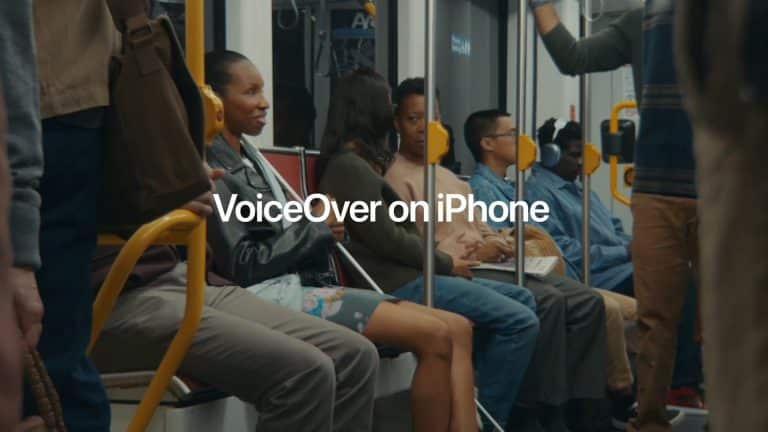
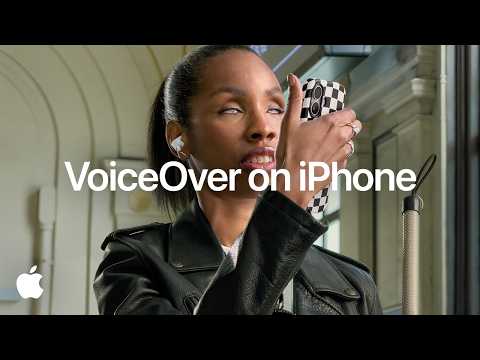
VoiceOver has long been one of Apple’s most important accessibility features, turning the iPhone into a device that can describe what is happening onscreen and help blind or low-vision users navigate with gestures. Apple’s new film brings that story into the Apple Intelligence era, previewing how VoiceOver will soon move beyond reading interface elements and become more capable at explaining documents, images, physical objects, and surroundings.
The video focuses on new capabilities coming later this year, showing VoiceOver powered by Apple Intelligence in practical situations rather than abstract AI demos. The examples are direct: summarizing documents like bills, providing richer descriptions of images onscreen, answering questions about items, locating nearby objects in the camera view, and reading handwritten signs. Each one connects AI to a real accessibility need.
That is what makes the film effective. Apple is not presenting Apple Intelligence as a novelty feature or a writing assistant. It is showing AI as a tool that can reduce friction between a person and the information around them. A bill can become easier to understand. A photo can become more descriptive. A handwritten sign can become readable. A nearby object can become easier to locate. A user can ask questions in natural language instead of accepting a one-way description.
For blind and low-vision users, that shift is significant. A screen reader can explain what is on the iPhone display, but daily life includes far more than app icons and buttons. Printed documents, signs, packaging, rooms, objects, photos, and visual layouts all carry information. Apple’s preview shows VoiceOver and Live Recognition becoming a more flexible bridge between visual content and spoken understanding.
VoiceOver Moves Beyond the Screen
VoiceOver began as a screen reader, and that remains its foundation. It speaks what appears onscreen, helps users understand interface elements, and allows navigation through gestures. On iPhone, that means the device can be operated without relying on sight, turning touch interaction into a guided audio experience.
Apple’s new film expands that idea. VoiceOver is no longer only describing the interface. With Apple Intelligence and Live Recognition, it can help users understand what the camera sees and what an image contains. The iPhone becomes a tool for reading the world around the device, not only the content inside the device.
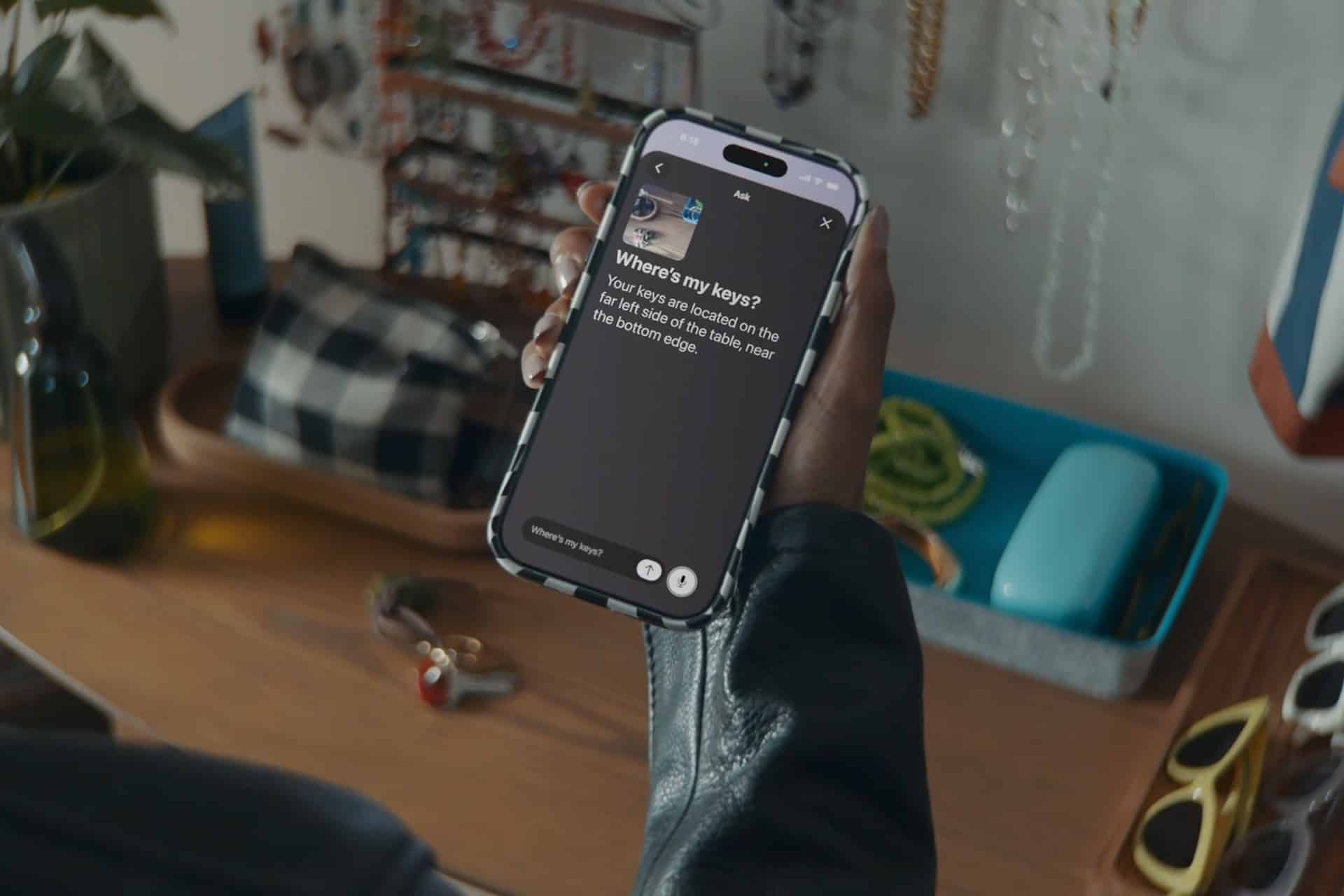
This is where the Action button becomes especially useful. Apple says VoiceOver users will be able to press the Action button on iPhone to ask a question about what is in the camera viewfinder and receive a detailed response. They can also ask follow-up questions in their own words to get more visual information. That makes the experience conversational rather than fixed.
A traditional recognition feature may tell a user that an object is present. A more intelligent version can support questions. What is on the table? Which item is closest? What does this sign say? What is printed on this bill? Is there a red folder nearby? That question-and-answer format gives the user more control over the information they receive.
The film’s focus on ordinary examples is the right approach. Accessibility features are strongest when they solve daily tasks that may otherwise require another person, another app, or extra steps. VoiceOver powered by Apple Intelligence is being positioned as a more immediate layer of independence.

Documents, Images, and Handwriting Get More Useful
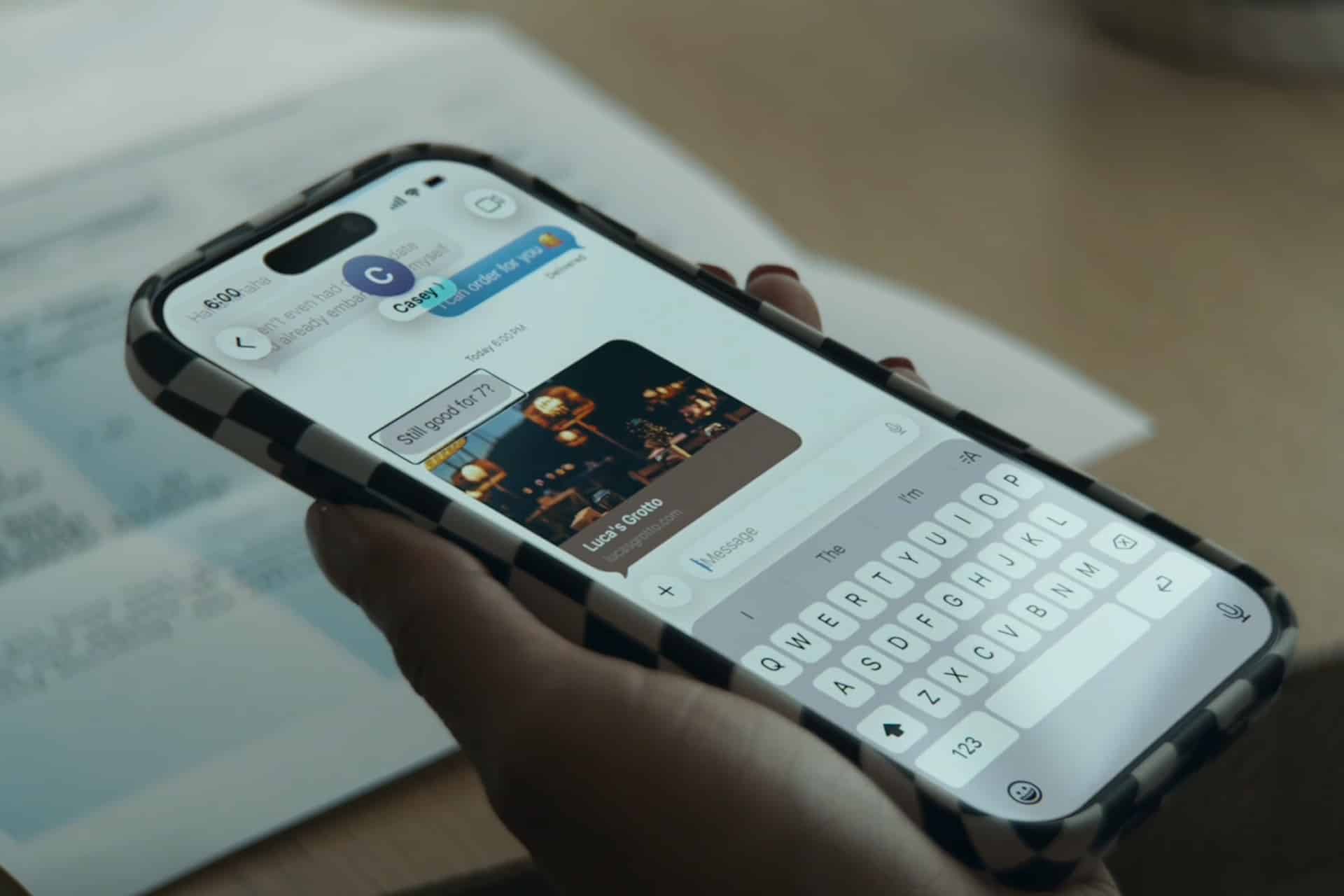
VoiceOver’s new document and image features could be especially helpful because visual information often arrives in messy formats. A bill may include numbers, due dates, line items, totals, labels, and fine print. A screenshot may include mixed text and graphics. A photo may contain people, objects, signs, places, and context. A handwritten note may not be machine-readable in the same way as printed text.
Apple’s film shows VoiceOver summarizing documents such as bills. That is a practical use of Apple Intelligence because a summary can reduce the effort of parsing a dense page. Instead of hearing every line in sequence first, the user can understand the general purpose of the document and then ask for more detail.
Rich image descriptions also expand what VoiceOver can do inside apps and across the system. A simple label may say “image” or give a short description. A richer description can explain the scene, objects, layout, people, text, or visual meaning in more useful language. This is especially valuable in Photos, Messages, Safari, Mail, social apps, documents, and screenshots.
Reading handwritten signs is another strong example because handwriting is common in the real world. A printed sign is easier for OCR systems. A handwritten sign in a store, school, office, street, event, or home can be harder. If Apple Intelligence can improve how iPhone interprets that kind of content, the feature becomes more useful outside carefully formatted documents.
These examples show Apple moving from recognition to interpretation. The iPhone is not only detecting text or objects. It is helping explain them in a way the user can act on.
Live Recognition Becomes More Conversational
Live Recognition is the feature that makes the camera view part of the VoiceOver experience. Apple’s new accessibility announcement says users will be able to press the Action button, ask a question about what is in the camera viewfinder, and receive a detailed response. They can then ask follow-up questions naturally.
That follow-up ability is essential. A first answer may not contain the exact detail the user needs. The user may want to know where an object is, what color it is, what text appears on it, or whether there is another item nearby. A conversational layer makes the feature more flexible because the user can refine the request instead of restarting the process.
This is also where Apple’s privacy approach becomes part of the story. Accessibility features can involve sensitive information: personal documents, bills, medical paperwork, private photos, home surroundings, people nearby, and location context. Apple has said its new Apple Intelligence accessibility updates are designed with privacy in mind, and its broader Apple Intelligence architecture uses on-device processing when possible, with Private Cloud Compute for more complex requests.
That privacy framing is not cosmetic. Assistive features can involve some of the most personal data a device handles. A user asking VoiceOver to summarize a bill or describe the room needs trust that the feature is not turning accessibility into unnecessary data exposure.
AI Feels Practical When It Removes a Barrier
Apple Intelligence has been discussed mostly through Siri, Writing Tools, image creation, and productivity. The VoiceOver film shows a more grounded use case. AI becomes valuable when it helps a user complete a task that would otherwise be harder, slower, or dependent on someone else.
That gives Apple a clearer way to explain its AI work. A better VoiceOver description does not need hype. A document summary, a readable handwritten sign, or an object located in the camera view is useful on its own. The feature either helps or it does not. That simplicity is powerful.
It also fits Apple’s long history of accessibility being integrated into the operating system rather than treated as a separate product category. VoiceOver, Magnifier, Voice Control, Switch Control, AssistiveTouch, Live Captions, Personal Voice, Sound Recognition, and Eye Tracking all sit inside the same devices people already use. Apple Intelligence can now strengthen those tools without forcing users into a separate accessibility device or specialized AI app.
The film also helps Apple show a more human version of AI. Instead of presenting intelligence as a race for bigger models, it presents it as a way for the iPhone to describe, summarize, answer, and locate. That is a more Apple-like AI story because it is tied to a device, a person, and a specific moment.
The Feature Still Needs Clear Limits
VoiceOver powered by Apple Intelligence will still need careful expectations. Apple’s accessibility announcement includes a warning that VoiceOver and Magnifier should not be relied on in high-risk situations, for navigation where injury could occur, or for diagnosis or treatment of a medical condition. That limitation is important because AI-generated descriptions can be useful without being perfect.
A description may miss context. A handwritten sign may be misread. A nearby object may be located imprecisely. A document summary may omit a detail the user needs to verify. Accessibility AI should support independence, but it should not be treated as a replacement for caution in safety-critical situations.
Apple will also need to show which devices, languages, and regions support each capability. Accessibility features are most powerful when they are broadly available, but Apple Intelligence features often depend on hardware, language, and software requirements. Users will need clear setup instructions and availability details when the features launch later this year.
Even with those limits, the direction is strong. VoiceOver is gaining a more descriptive, conversational, and context-aware layer. The iPhone is becoming better at explaining what the user cannot see directly.
A Stronger Apple Intelligence Story
The VoiceOver film may be one of Apple’s strongest Apple Intelligence presentations because it avoids generic AI language. It shows the technology doing something specific and personal. A user asks, listens, and understands more of the world around them.
That is where Apple Intelligence can earn trust. Not by claiming that AI changes everything, but by improving the moments where information is hard to reach. VoiceOver powered by Apple Intelligence turns visual information into spoken understanding, then lets the user ask for more. That is a meaningful step for accessibility and a clearer example of what Apple’s AI can become across the ecosystem.
Coming later this year, these VoiceOver updates place Apple Intelligence inside one of the company’s most respected accessibility tools. The result is not only a smarter screen reader. It is a more capable iPhone for users who depend on audio, touch, camera input, and spoken descriptions to navigate digital and physical spaces.
The film works because it shows accessibility as a living part of Apple’s AI future. It does not separate assistive technology from mainstream innovation. It puts VoiceOver at the center of the story, where Apple Intelligence becomes most convincing: helping a person understand more, ask more, and move through the day with greater independence.