

A ticket inside Apple Wallet is not just an image of a barcode. It is a live digital pass tied to the event organizer’s system. When properly integrated, Wallet event tickets can update automatically with new gate numbers, seat changes, or timing adjustments. That behavior distinguishes them from screenshots or email confirmations, which remain static.
For concerts, sports events, flights, and conferences, the pass stored in Wallet communicates with backend systems to reflect current information. If an event changes start time or entrance location, the pass can refresh without requiring manual re-download.
Understanding how Wallet event tickets behave helps avoid confusion at the gate.
How Wallet Event Tickets Update
When an event organizer supports dynamic updates, the pass inside Wallet can receive changes directly. These updates may include:
- Gate or entrance changes
- Seat reassignments
- Time adjustments
- Venue modifications
Updates appear automatically, often accompanied by a lock screen notification.
The pass refreshes through network connectivity. If the device is offline, the last stored version remains visible, including the scannable barcode or QR code.
This dynamic structure reduces reliance on printed tickets and eliminates the need to reissue entry credentials manually.

Entry Behavior at the Venue
Wallet event tickets are optimized for fast scanning. When the device approaches a venue, iPhone may display the relevant pass on the lock screen if location services are enabled.
To enable location-based suggestions:
Settings > Privacy & Security > Location Services > Wallet
When activated, the pass can surface automatically near the event location.
At entry, staff scan the barcode or QR code directly from the Wallet interface. Brightness increases temporarily during scanning to improve readability.
Some venues use NFC-based entry systems, allowing tap-to-enter functionality instead of scanning.
Battery levels matter. Even with low battery, iPhone supports limited Wallet functionality through power reserve on compatible models, allowing entry access for a period after shutdown.
Managing Wallet Event Tickets
Users can access and manage tickets inside the Wallet app.
Wallet > Select Event Pass
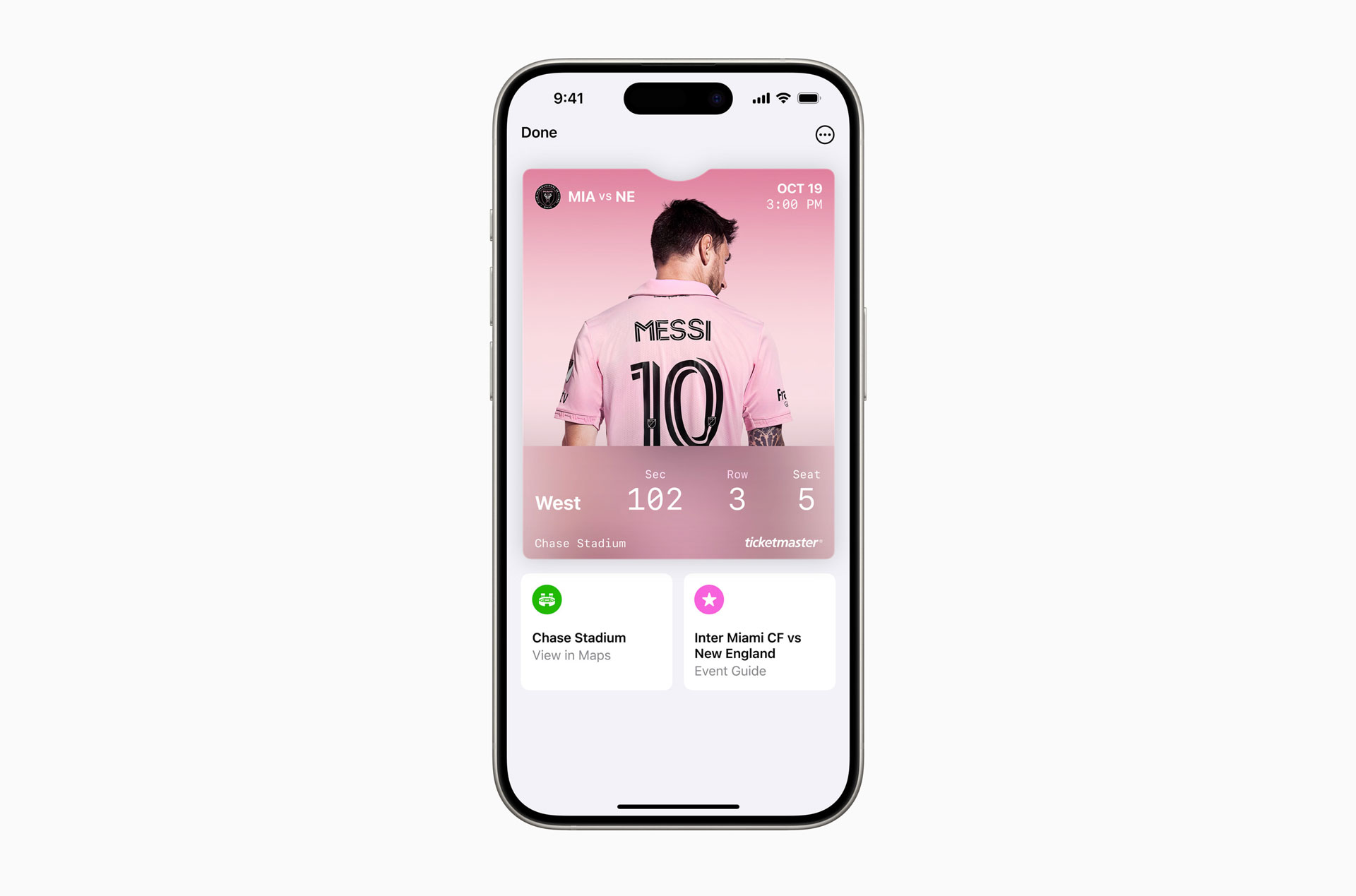
Inside the pass, tapping the three-dot menu reveals additional details, including event information, organizer contact links, and pass management options.
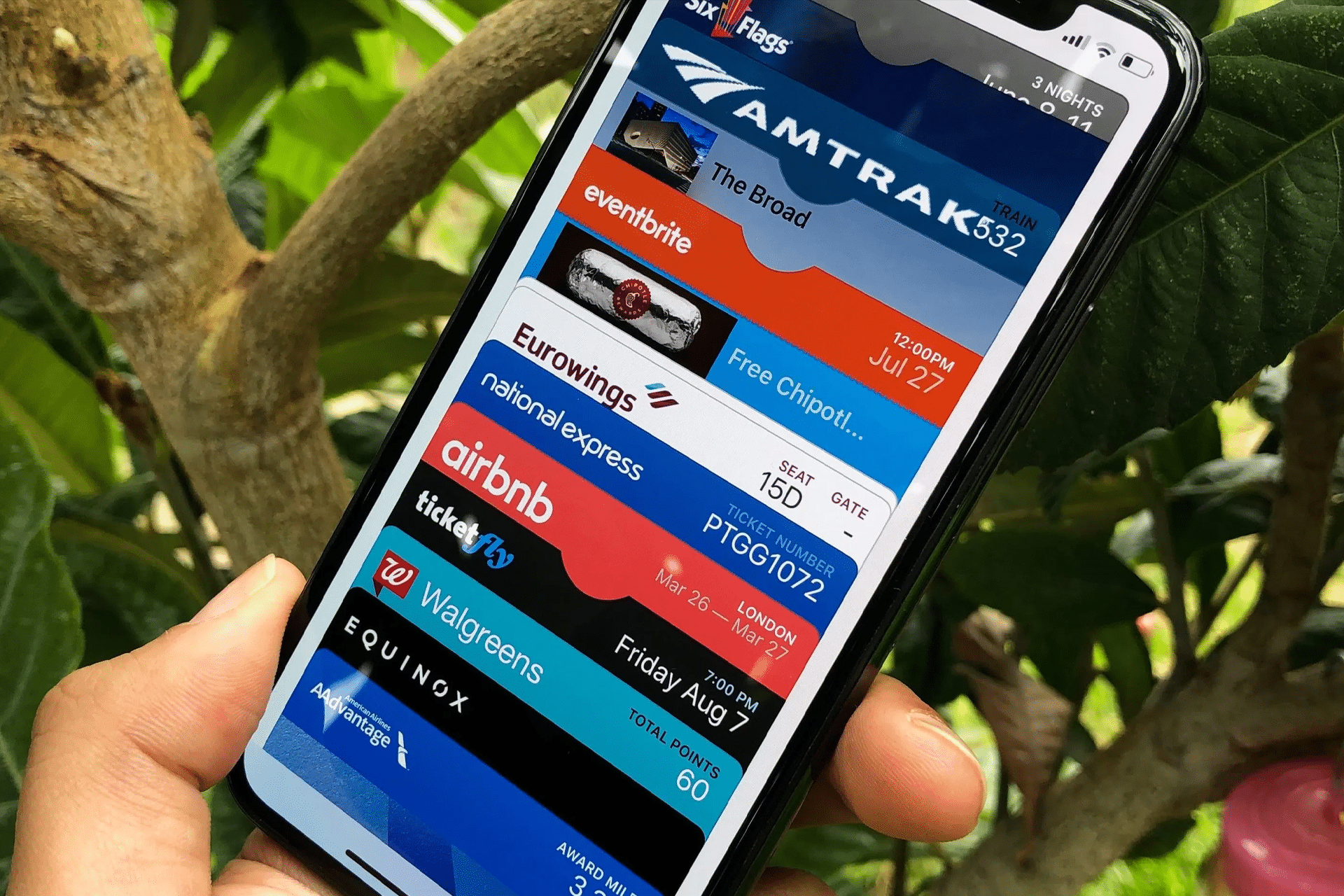
If multiple tickets are purchased for a group, each may appear individually inside Wallet or as stacked passes depending on the issuer’s configuration.
Expired event tickets automatically move to a separate section within Wallet but remain accessible for record reference unless removed manually.

Sharing Expectations
Not all Wallet event tickets support sharing. Some issuers allow ticket transfer directly through their event platform rather than through Wallet itself.
If transfer is supported:
Wallet > Select Ticket > Share Option (if available)
Otherwise, sharing may require transferring ownership through the ticketing provider’s official app or website.
Users should avoid sharing screenshots of Wallet passes. Screenshots may not reflect real-time updates and can fail validation at entry if barcodes refresh dynamically.
Deleting or Removing Event Tickets
After the event, tickets can be removed:
Wallet > Select Ticket > Three-Dot Menu > Remove Pass
Removal does not affect ticket provider records; it simply clears the pass from the device.
If a pass disappears unexpectedly before the event, re-downloading through the original confirmation email or ticketing app typically restores it.
Notifications and Reminders
Wallet event tickets often trigger reminders on the day of the event. These reminders appear on the lock screen with time and location context.
Calendar integration may also be available depending on the ticket provider.
Keeping notifications enabled for Wallet ensures users receive updates if the event changes.
Privacy and Data Handling
Wallet event tickets store essential entry information locally on the device. Apple states that Wallet data is encrypted and tied to the user’s Apple ID. Event organizers control backend updates, but Apple does not track event attendance beyond system-level functions.
Users can review Wallet permissions:
Settings > Notifications > Wallet
Location-based suggestions can also be adjusted within privacy settings.
Wallet event tickets operate as live credentials rather than static documents, updating automatically when supported and streamlining entry at venues through dynamic synchronization.