

For a long time, my MacBook Pro handled nearly everything. From writing and research to heavier creative and analytical tasks, it was flexible enough to follow me wherever I worked. But as my workload grew more demanding, I reached a point where portability was no longer the bottleneck — sustained performance was. That’s where the Mac Studio quietly made sense.
Choosing the Mac Studio wasn’t about replacing my MacBook Pro. It was about complementing it.
Offloading Heavy Work Without Breaking Flow
The biggest shift after adding the Mac Studio to my setup was realizing how much cognitive load disappears when heavy tasks no longer compete for resources. Long renders, data-heavy processes, large file exports, and extended multitasking sessions feel fundamentally different when they run on a machine built to stay cool and fast for hours.
The MacBook Pro remains excellent for focused, mobile work. But by transferring the most demanding tasks to the Mac Studio, I stopped managing performance constraints and started working continuously. Fans don’t ramp aggressively, performance doesn’t fluctuate, and background tasks don’t interrupt foreground thinking.
This separation naturally reshapes the workday. Light and medium tasks stay on the MacBook. Intensive workloads move to the Mac Studio, where they belong.
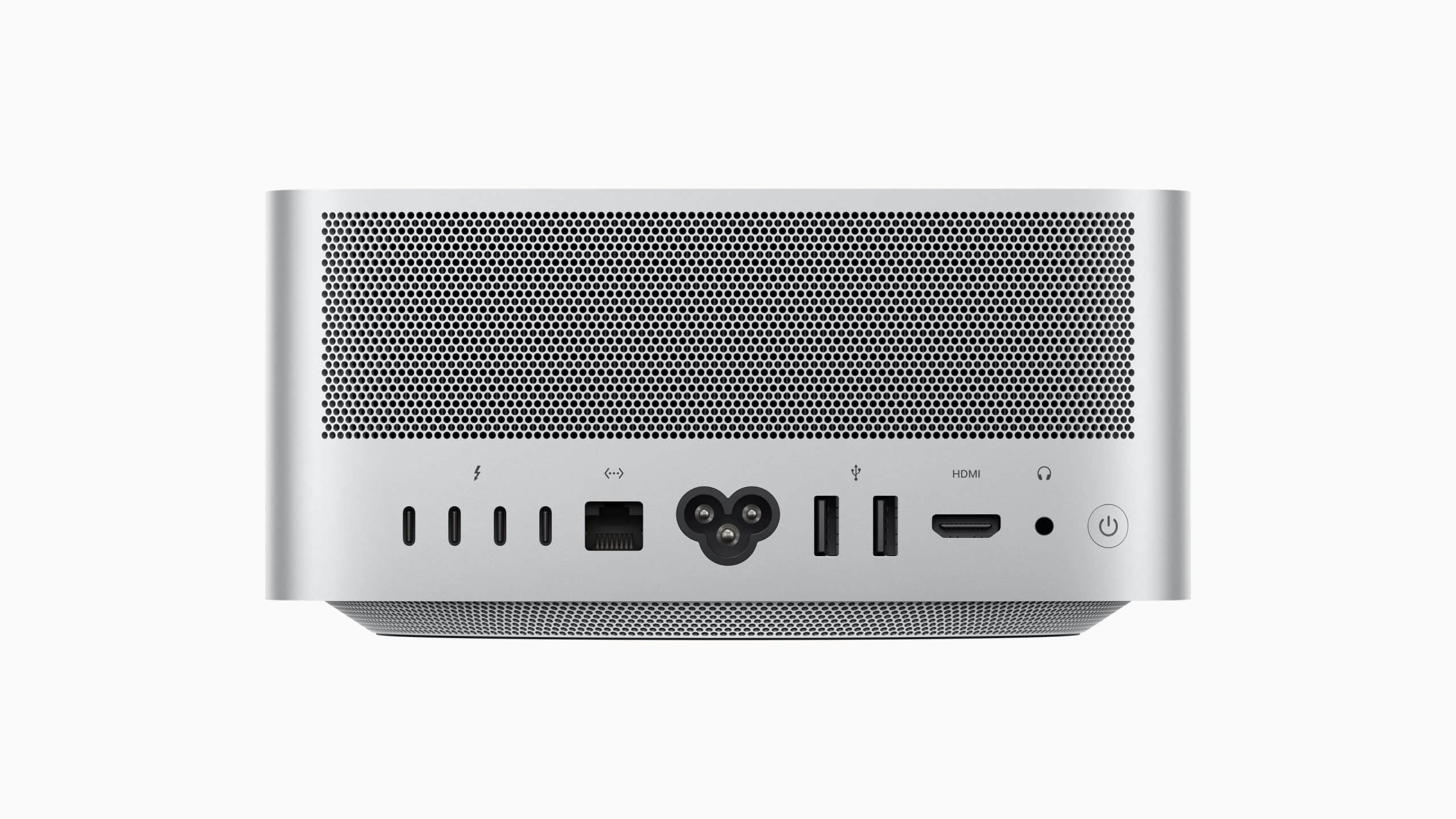
Mobility Isn’t Lost — It’s Clarified
One fear before choosing the Mac Studio was mobility. Would adding a desktop machine make my workflow feel anchored? The opposite happened.
Mobility became intentional instead of constant. The MacBook Pro now serves as a true mobile workstation — meetings, travel, couch work, quick edits, reviews. The Mac Studio anchors deep work at the desk, where time blocks are longer and focus is uninterrupted.
Because both devices share the same Apple ecosystem, switching between them feels natural. There’s no friction in deciding where work happens. The device adapts to the moment, not the other way around.
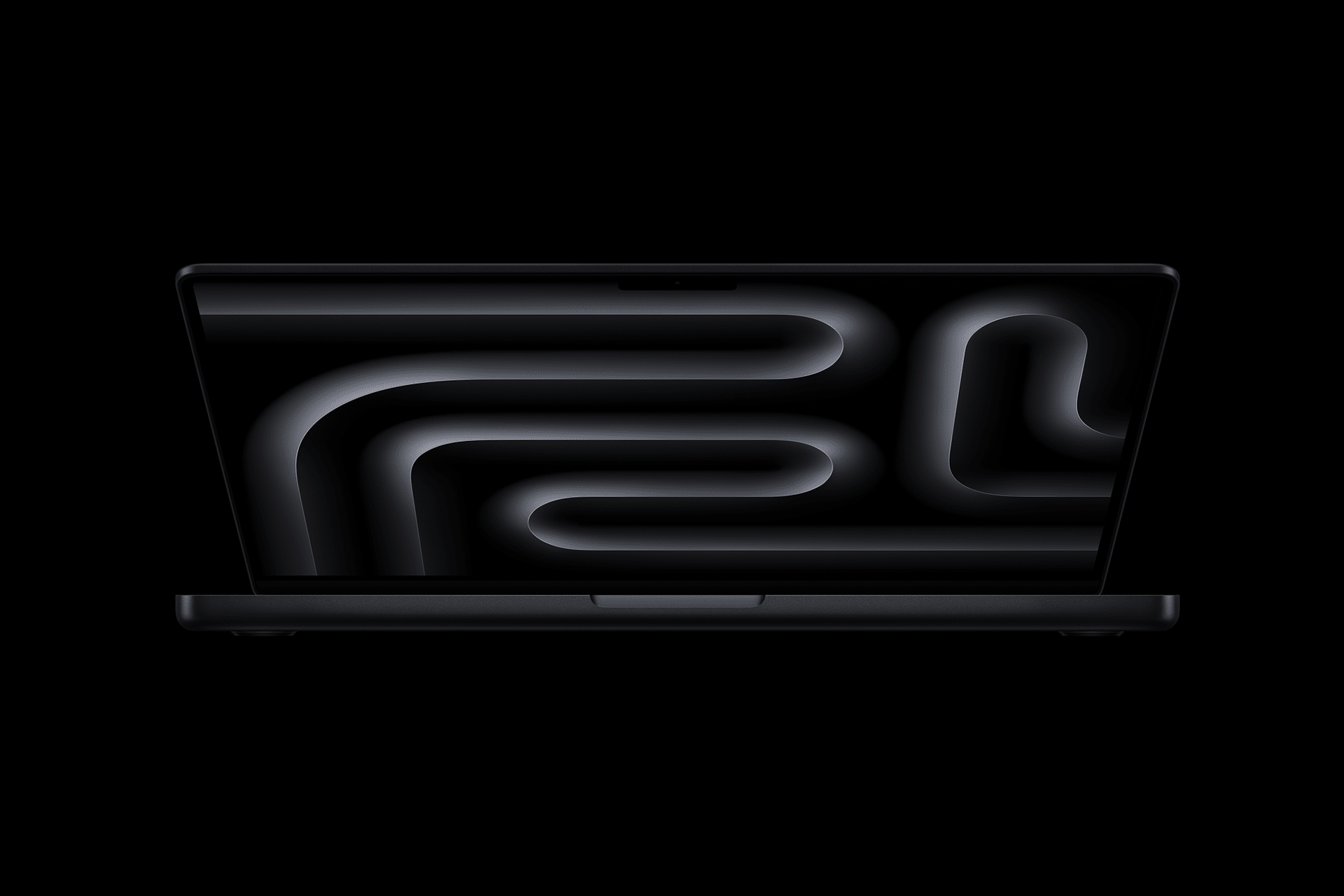
Ecosystem Conversations That Actually Matter
The real advantage isn’t raw power. It’s how seamlessly the Mac Studio and MacBook Pro communicate.
Universal Clipboard, AirDrop, iCloud Drive, shared Safari tabs, Messages, FaceTime, Notes, and Reminders make both machines feel like different windows into the same workspace. I can start something on the MacBook Pro and continue it on the Mac Studio without planning or exporting anything.
Memory feels shared even when it isn’t. Context persists across devices. Files stay exactly where I expect them. This continuity removes the mental overhead of managing machines and turns them into roles within one system.
Unified Memory Changes Expectations
Mac Studio’s unified memory configuration fundamentally changes how demanding tasks behave. Large datasets, multi-app workflows, heavy timelines, and complex builds don’t feel fragile or constrained. The system stays responsive even under sustained load.
This has a direct impact on creative confidence. I’m more willing to experiment, iterate, and push projects further because performance is predictable. The MacBook Pro remains powerful, but the Mac Studio removes the ceiling entirely for home office work.
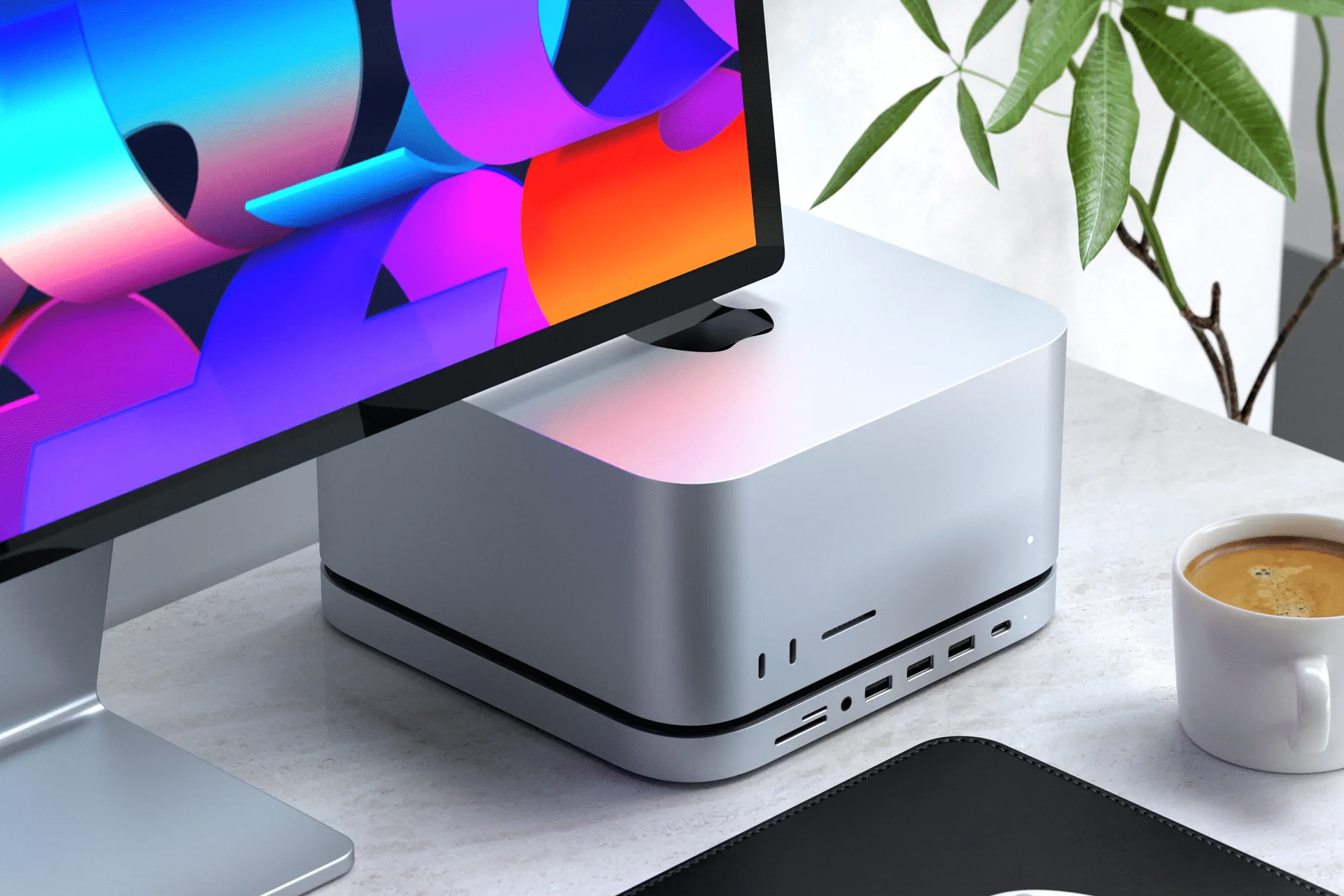
A Home Office That Feels Future-Proof
Choosing the Mac Studio wasn’t a dramatic upgrade. It was a quiet stabilization. My home office now feels resilient rather than reactive. As workloads evolve, the system absorbs complexity instead of exposing it.
Keeping both the MacBook Pro and Mac Studio creates a workflow that respects modern work patterns — mobile when needed, grounded when it matters. Instead of asking one device to do everything, each one does what it’s best at.
That balance is what ultimately justified the choice. The Mac Studio didn’t replace my MacBook Pro. It gave it room to breathe.


