

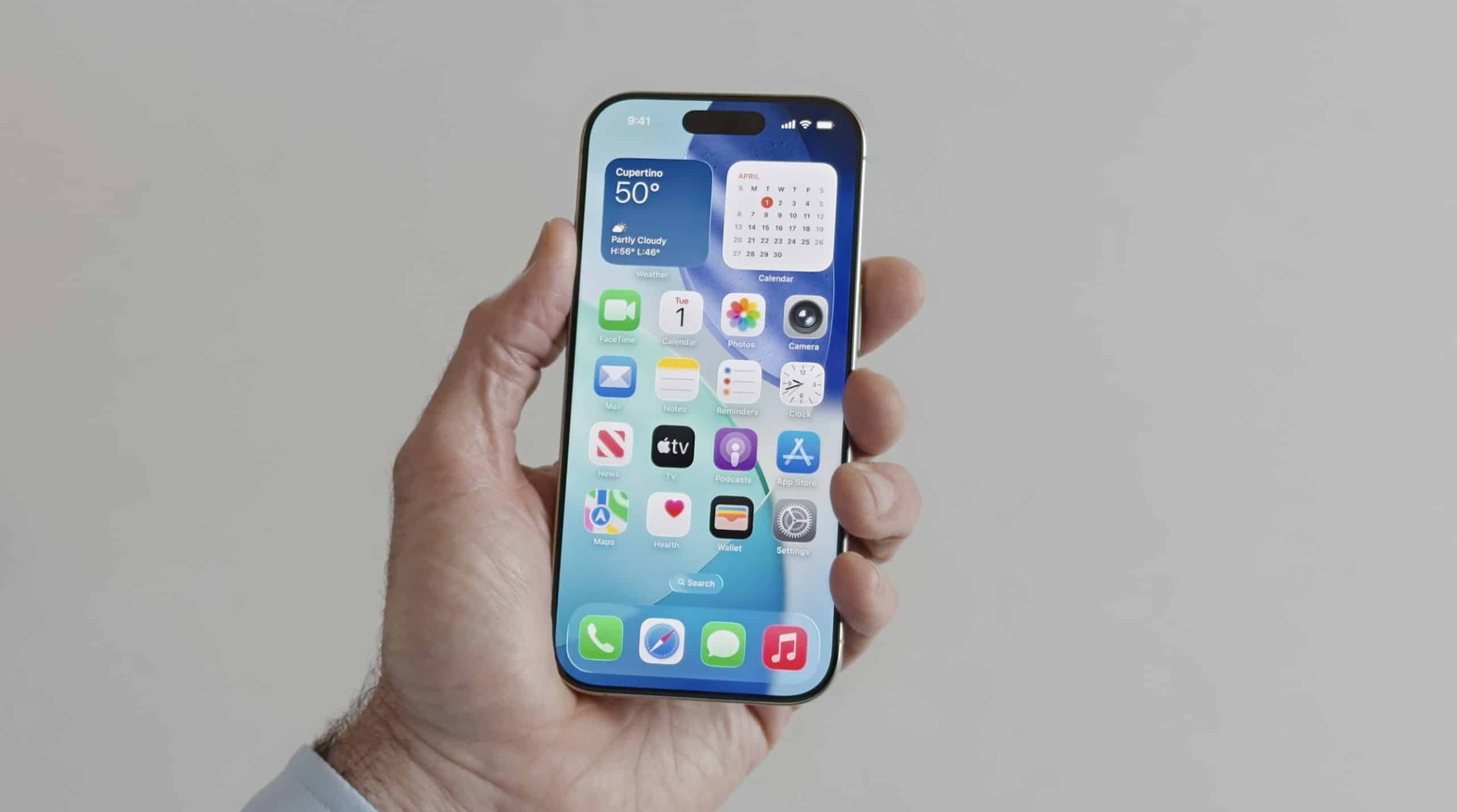
Widgets used to be simple information panels. A small weather tile. A calendar square. A stock ticker updating numbers. They lived on the edges of the interface, helpful but static. Today, widget intelligence has transformed them into adaptive layers that quietly reshape how people interact with their devices across the Apple ecosystem.
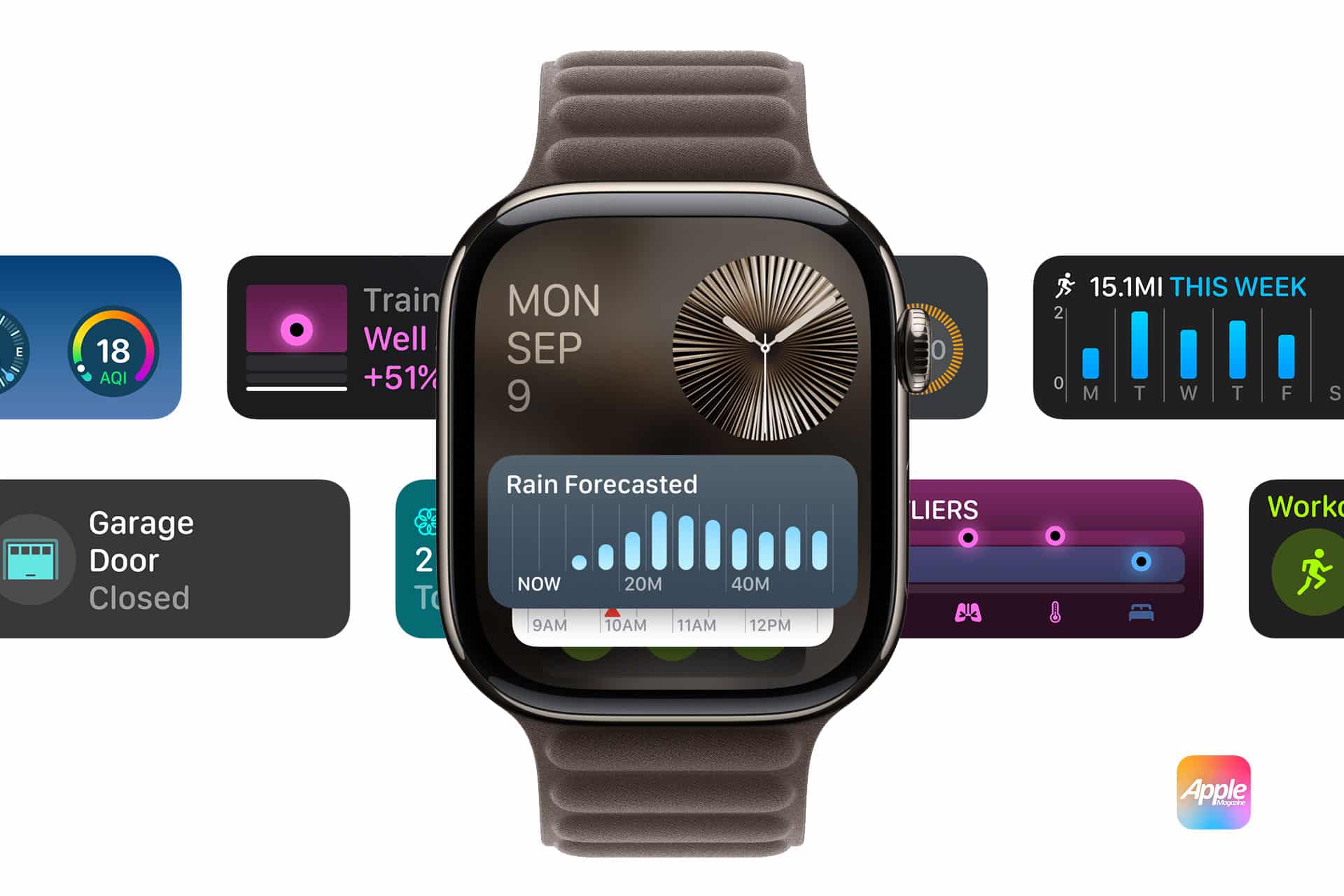
Pick up an iPhone in the morning and the first thing visible might be the day’s earliest appointment. Later in the afternoon, that same screen could elevate traffic information before a commute or surface a reminder minutes before a scheduled call. On Apple Watch, the Smart Stack shifts throughout the day, bringing workout metrics forward during activity and surfacing calendar events near meeting times. On Mac, widgets sit directly on the desktop, providing context without forcing users to open full applications.
This evolution reflects a deeper shift. Interfaces are no longer organized only by manual arrangement. They respond to patterns.

How Widget Intelligence Adapts to Behavior
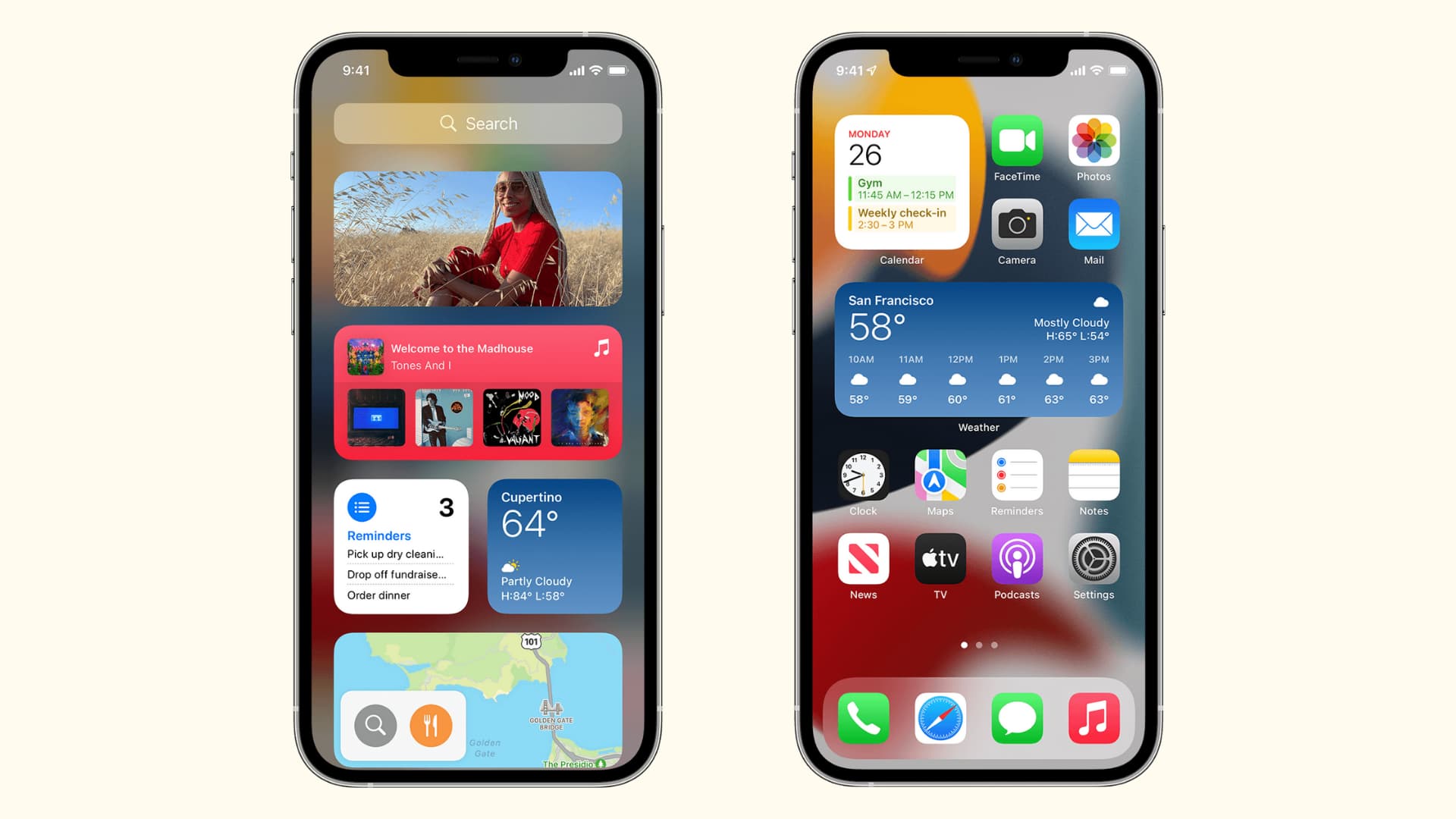
Widget intelligence relies on understanding routine. Devices learn recurring actions: when news apps are opened, when tasks are reviewed, when fitness tracking begins, when messages are sent. Over time, these patterns allow the system to prioritize information.
Smart Stacks on iPhone and iPad automatically rotate widgets based on time of day, location, and usage behavior. Instead of requiring constant reorganization, the system adjusts quietly behind the scenes. A boarding pass may appear on top near airport arrival. A reminders list may rise in priority at the start of a workday.
On Apple Watch, contextual rotation is even more immediate. During a run, fitness metrics lead. In the evening, mindfulness or sleep tracking can surface. The interface becomes fluid rather than fixed.
The intelligence remains grounded in on-device processing. Adaptation happens locally, reinforcing Apple’s privacy architecture. The goal is relevance without excessive intrusion.

Reducing Friction in Daily Routines
The most significant benefit of widget intelligence is the reduction of friction. Instead of unlocking a device, locating an app, and navigating menus, information becomes glanceable. A quick look reveals battery levels across devices, package delivery updates, weather changes, or the next calendar event.
For professional life, this subtle assistance compounds throughout the day. A consultant preparing for meetings may see location details rise at the right time. A designer working across Mac and iPad might view task lists on one screen while editing on another. A manager juggling deadlines can keep project updates visible without interrupting workflow.
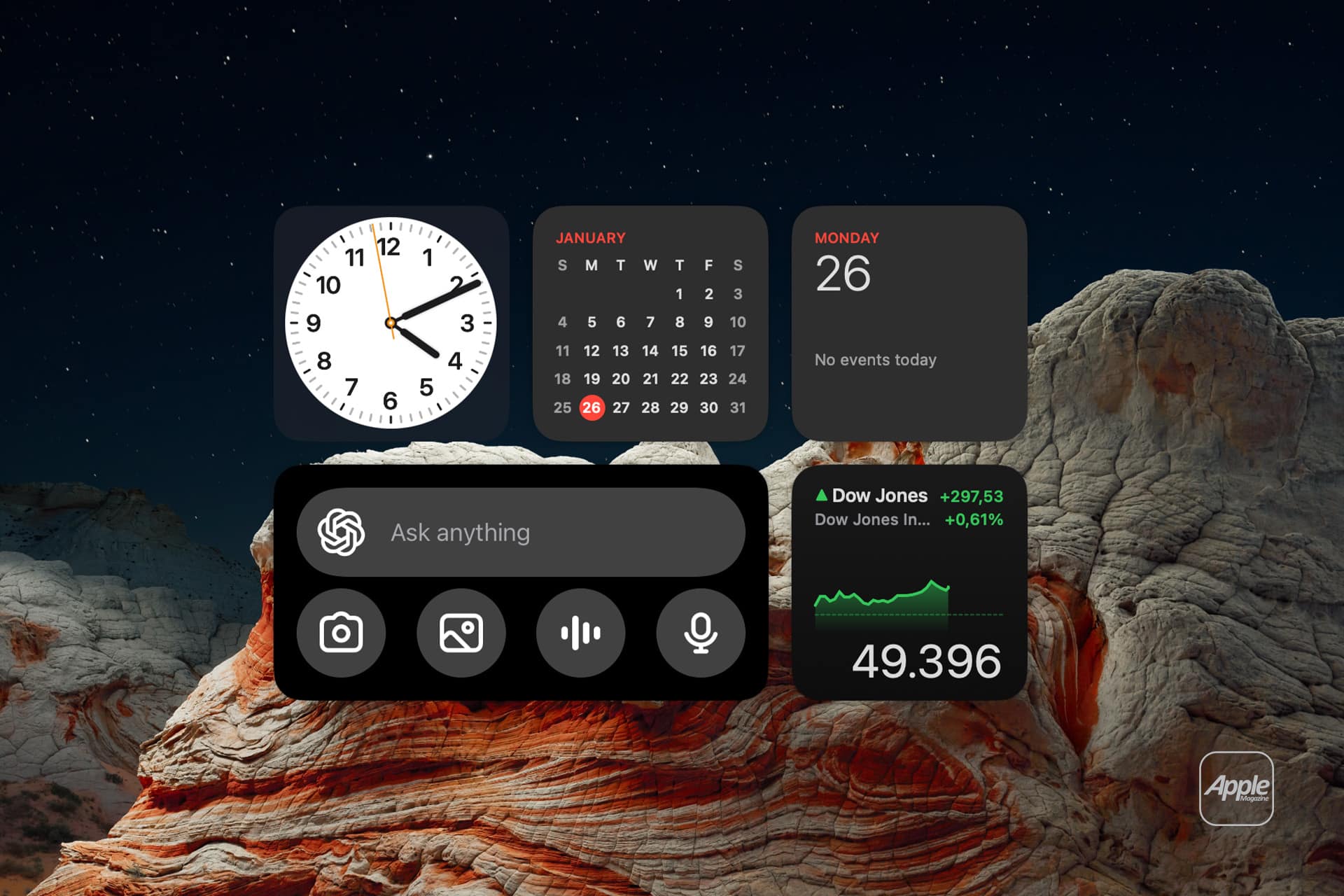
Widgets on macOS expand this continuity. Desktop widgets integrate seamlessly with the background, offering persistent visibility into key metrics without occupying full screen space. Instead of switching windows repeatedly, users maintain context.
Personal routines benefit just as much. Grocery lists appear before store visits. Fitness summaries update immediately after workouts. News headlines adjust according to reading habits. The interface begins to reflect individual rhythm.
A Layer That Grows With the Ecosystem
Widget intelligence becomes more powerful as devices multiply. An iPhone recognizes patterns from Apple Watch activity. A Mac surfaces documents recently edited on iPad. Widgets respond to Focus modes, adjusting visibility depending on whether the user is working, relaxing, or traveling.
This interconnected responsiveness strengthens the ecosystem’s cohesion. Information moves fluidly without constant manual coordination. Instead of managing devices separately, users experience a unified environment shaped around behavior.
As machine learning advances, contextual awareness is likely to deepen. Widgets may anticipate needs based on calendar density, travel frequency, communication patterns, or productivity cycles. The emphasis will remain on subtle assistance rather than visual overload.
The brilliance of widget intelligence lies in restraint. It does not demand attention. It supports it. By surfacing meaningful details at the right moment, widgets transform from decorative elements into adaptive companions that align with how people actually live and work.
Across iPhone, iPad, Mac, and Apple Watch, widgets are evolving into intelligent surfaces that understand timing, context, and routine. They do not replace apps. They refine access to them. And as daily schedules grow more complex, that refinement becomes increasingly valuable within the Apple ecosystem.