


Xbox Family Settings has received a new iPhone and iPad update that gives parents more control over individual apps and games on Xbox consoles. The update adds App Blocks and Limits, expanding Microsoft’s family safety tools beyond general screen time and account-level restrictions.
The new version allows parents to set time limits for specific apps and games, block selected titles, review requests for additional app or game time, and create schedules using weekly, weekend or custom options. The update is listed in the App Store version history for Xbox Family Settings, with Microsoft describing the change as a way to manage access with more precision.
That makes the app more useful for families where the issue is not only how long a child spends on Xbox, but which games or apps are using that time. A parent may be comfortable with an hour of Minecraft but not an hour of a mature multiplayer shooter. The new controls give the iPhone and iPad app more room to treat those situations differently.

Xbox Family Settings Adds More Precise Controls
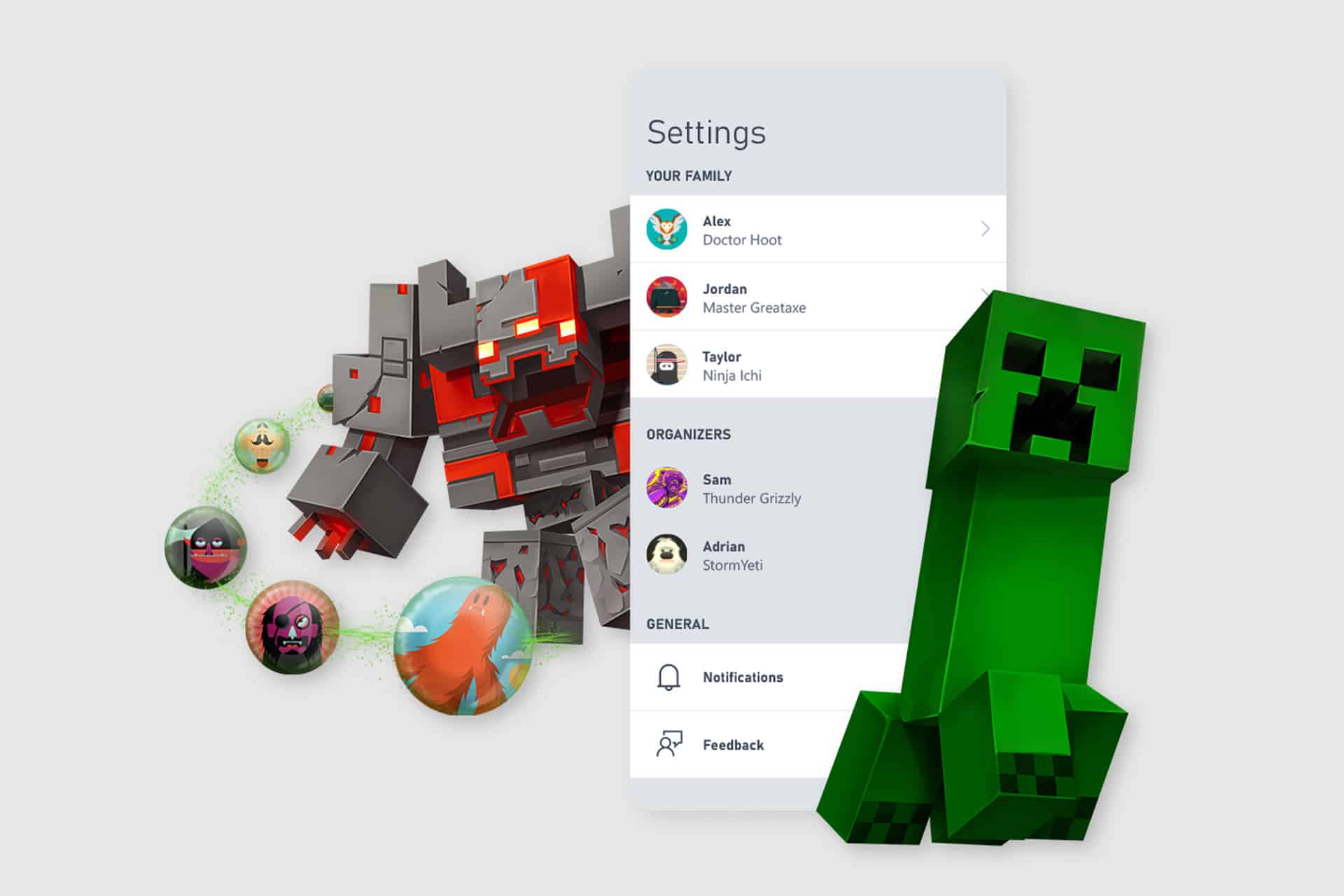
Xbox Family Settings already allowed parents to manage screen time, content restrictions, spending, friend requests and online interaction from a mobile device. The new App Blocks and Limits update adds a more specific layer to that system.
Instead of applying one broad schedule across a console, parents can now manage individual titles. That gives families more flexibility when screen time needs to be shaped around homework, weekends, school nights or specific games that become a source of conflict.
The app’s new scheduling options also make the controls less rigid. Weekly, weekend and custom schedules can reflect how many families actually manage gaming time. A child may have different rules on Friday night than on Monday afternoon. A parent may want one limit during school weeks and another during vacation. The update gives the app more practical use without requiring parents to sit at the console.
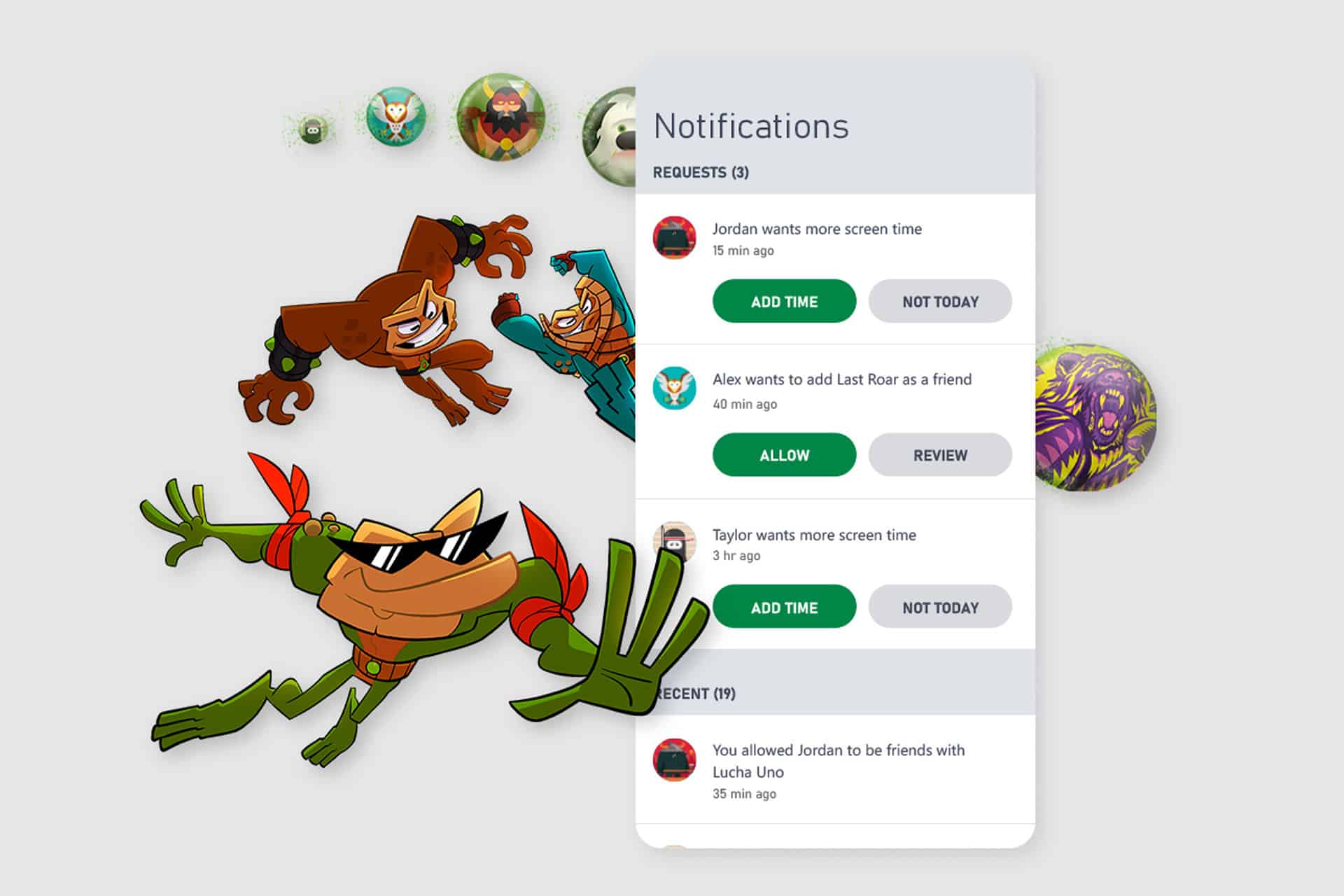
The request system is also useful. Children can ask for extra time, and parents can review those requests from the iPhone or iPad. That turns screen time into a managed approval flow rather than a constant argument at the TV. It also helps when the parent is not in the same room as the console.
Why the iPhone and iPad App Matters
Microsoft’s Xbox parental controls are not limited to Xbox hardware menus. The iPhone and iPad app is a remote control for family settings, which is more convenient for parents who already manage household routines from their phones.
That matters because console settings can be awkward to adjust in the moment. Parents may not want to interrupt a child’s session, dig through Xbox menus or remember where every setting lives. A mobile app puts the controls in a familiar place and can send notifications when a child asks to add time, make a purchase or manage a social request.
The Xbox Family Settings app is designed for parents, not children. Microsoft says there is no child-friendly version of the app, and children cannot sign in to it with a child account. The setup is meant to keep control with the adult account in the Microsoft family group.
The app works with Xbox Series X, Xbox Series S and Xbox One consoles. Microsoft also says content and screen time limits can apply to Windows PCs when a child signs in with a Microsoft account that has an Xbox profile and belongs to the family group. The company notes that the Xbox Family Settings app does not extend those settings to mobile gaming experiences.
That distinction is useful for iPhone and iPad users. The app can manage Xbox console activity from iOS and iPadOS, but it does not turn into a full parental control system for every game a child plays on a phone or tablet.
A Different Layer Than Apple Screen Time
The Xbox update also arrives as Apple continues to refine Screen Time across iPhone, iPad and other devices. Apple’s parental controls manage apps, communication, purchases, content restrictions and downtime inside Apple’s own platforms. Microsoft’s app serves a narrower but valuable role: Xbox console gaming.
For families with mixed devices, that split is common. A child may use an iPad for school, an iPhone for communication, a Windows PC for games and an Xbox in the living room. No single tool covers every situation perfectly. Screen Time can manage the Apple side, while Xbox Family Settings handles console behavior tied to a Microsoft account.
The new app-level Xbox limits make that division cleaner. Parents can use Apple’s tools for iPhone and iPad rules, then use Microsoft’s app to manage the console without treating the Xbox as a separate island in the house.
The spending tools remain part of the app as well. Microsoft says parents can use Ask to Buy, view a child’s account balance, add money to a child’s account and review recent spending. Combined with app and game limits, the app now covers both time and money, two of the most common friction points around gaming.
Social settings are another part of the same picture. Xbox Family Settings lets parents review friend requests, manage friends and control online multiplayer access. That matters because gaming limits are not only about hours played. They also involve who a child can communicate with, what kind of online play is allowed and whether new connections require adult approval.
A Stronger Parent Tool for Console Homes
The new Xbox Family Settings update gives iPhone and iPad owners a better way to manage Xbox use without turning every gaming session into an all-or-nothing decision. Blocking a specific title, setting a limit for one game or approving extra time remotely gives parents more options than a single console-wide cutoff.
The app requires iOS 13 or later, according to Microsoft’s Xbox Family Settings page. It is available from the App Store and remains focused on Xbox family accounts rather than Apple’s own Family Sharing setup.
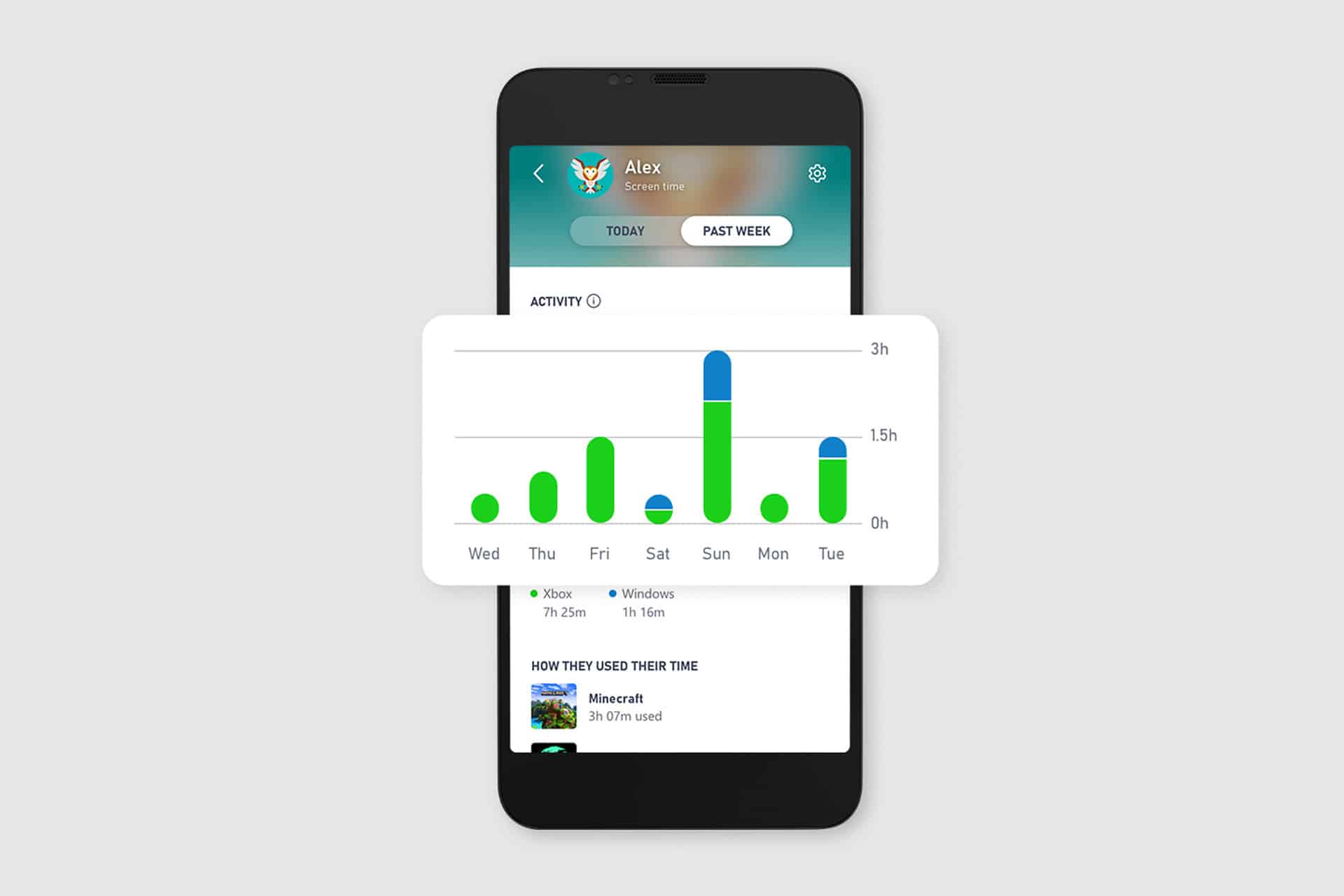
The next useful improvement would be deeper reporting by title, especially for families trying to understand which games take up the most time across console and PC. For now, App Blocks and Limits give parents the missing middle ground: not a blanket ban, not unlimited access, but a controlled schedule that can change by game, app and day.