


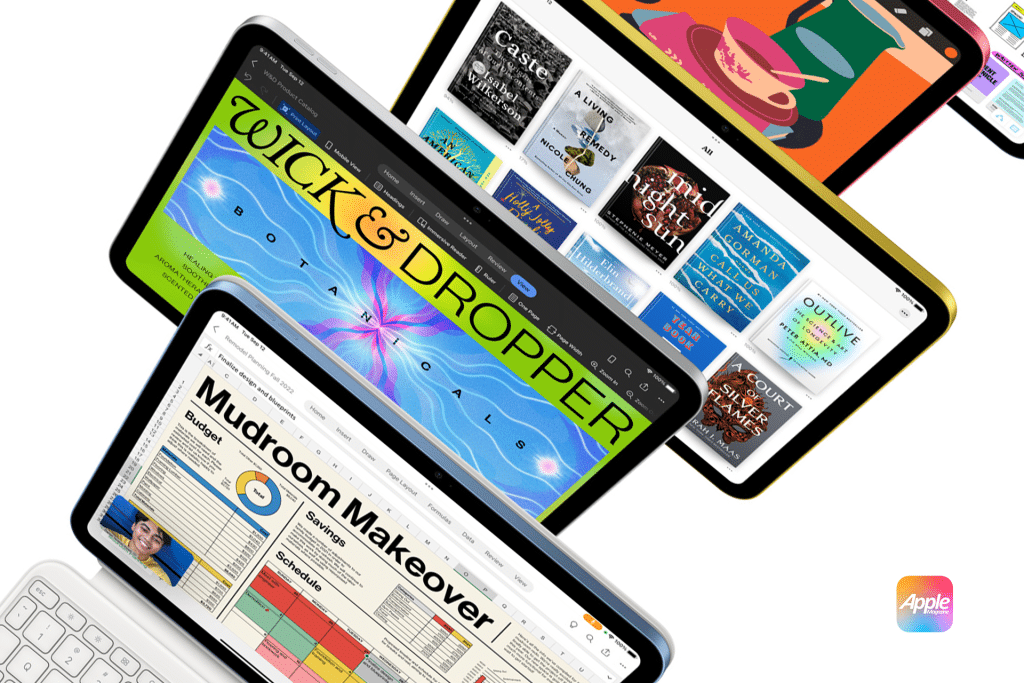
Getting an iPad often raises the same question: where does it fit? It’s not a phone you carry in your pocket, and it’s not a laptop you sit behind for hours. Apple designed the iPad to live in between — a device you pick up, put down, move with, and return to throughout the day. Understanding that idea is the key to getting real value from it.
The iPad as a Reading and Thinking Device
One of the iPad’s most natural roles is reading. Whether it’s books, articles, documents, or long emails, the larger display changes how content feels. Text is easier on the eyes, layouts are more spacious, and reading becomes closer to paper than to a phone screen.
True Tone, Night Shift, and adjustable text size make long sessions comfortable, while apps like Books and Safari allow distraction-free reading modes. Many users discover they read more on iPad simply because it invites slower, more focused attention.
The iPad for Browsing and Research
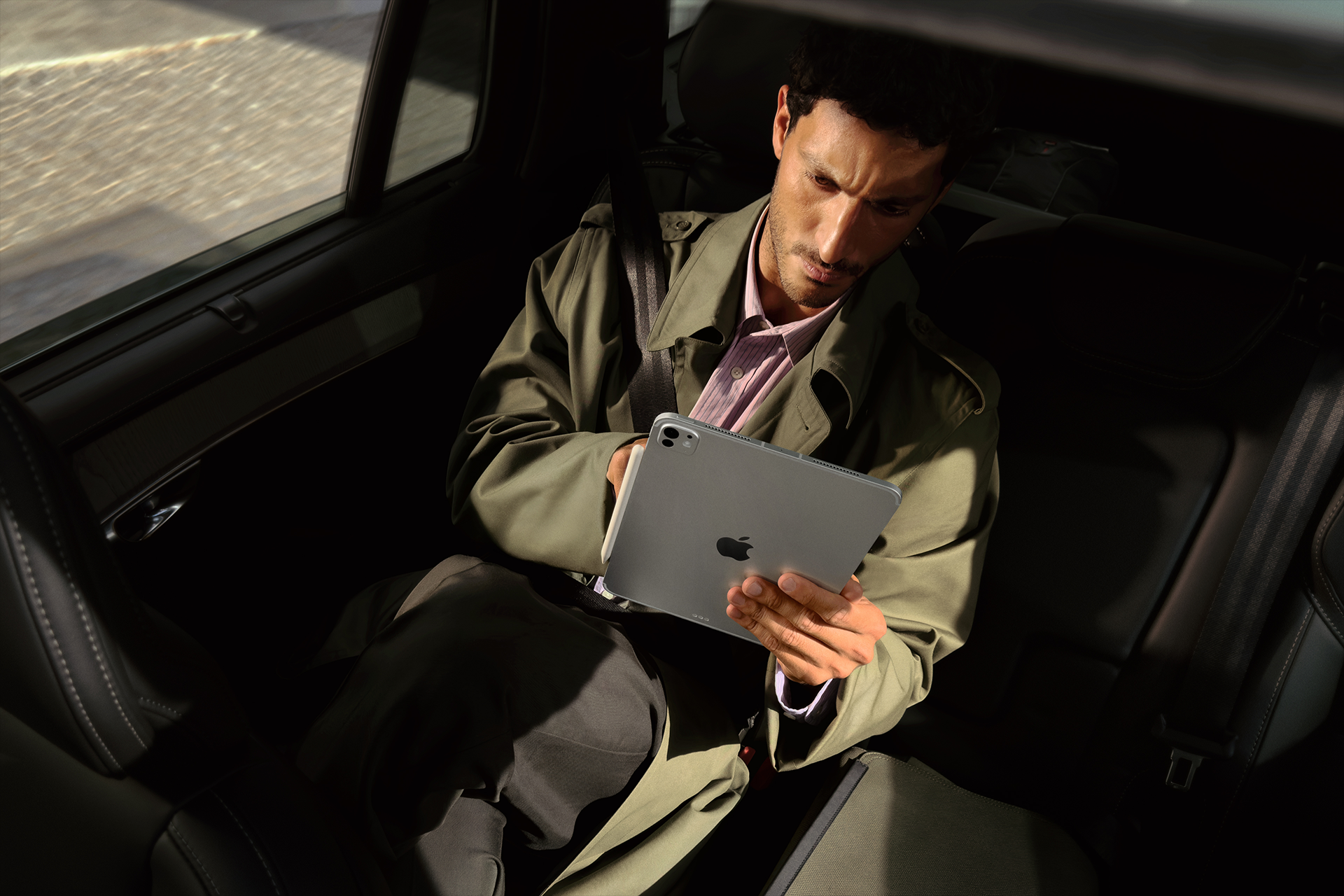
Web browsing on iPad sits in a unique place. It’s more immersive than on an iPhone but less rigid than on a laptop. Pages feel closer to desktop layouts, yet touch gestures keep navigation fluid.
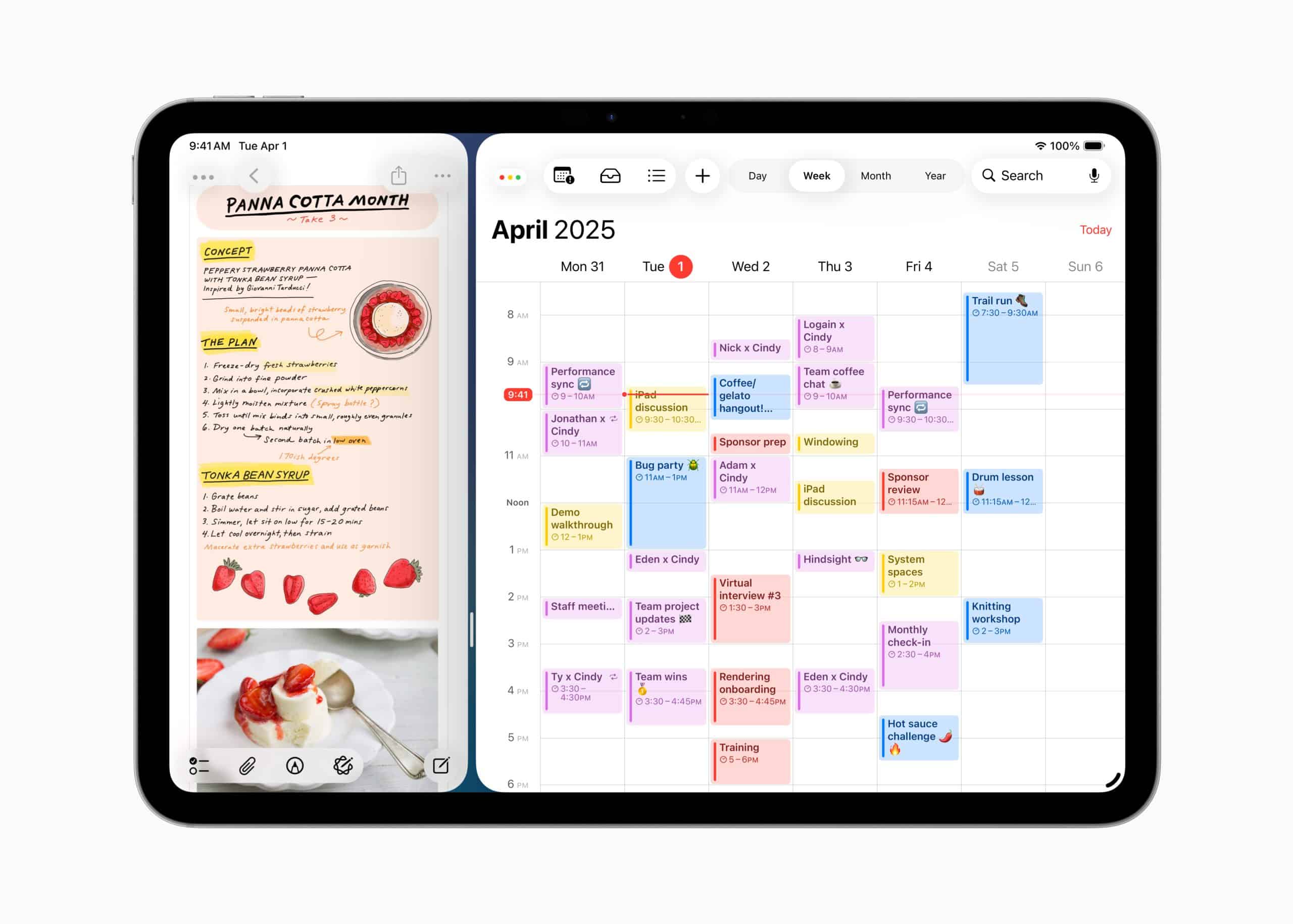
Split View and Slide Over allow light multitasking, such as reading while taking notes or checking references alongside a document. For casual research, planning trips, or exploring topics, the iPad often feels more natural than a traditional computer.
The iPad as an Entertainment Hub
Streaming is one of the most obvious uses, but also one of the best. The iPad’s display, speakers, and portability make it ideal for watching movies, series, and live content without being tied to a TV.
It’s also a great second screen. Many people use the iPad while cooking, relaxing on the couch, or traveling, where a laptop would feel cumbersome. Games, magazines, and interactive content also feel more engaging on a screen designed to be held, not balanced.

A Better Screen for Photos and Visual Work
For many users, the iPad becomes the preferred screen for photos — especially those taken on iPhone. The larger display reveals details that are easy to miss on a phone, making simple edits more precise and enjoyable.
Even light photo adjustments feel more intuitive on iPad because touch interactions map directly to visual changes. It’s less about professional workflows and more about making everyday photos look their best.
The iPad in Daily Communication
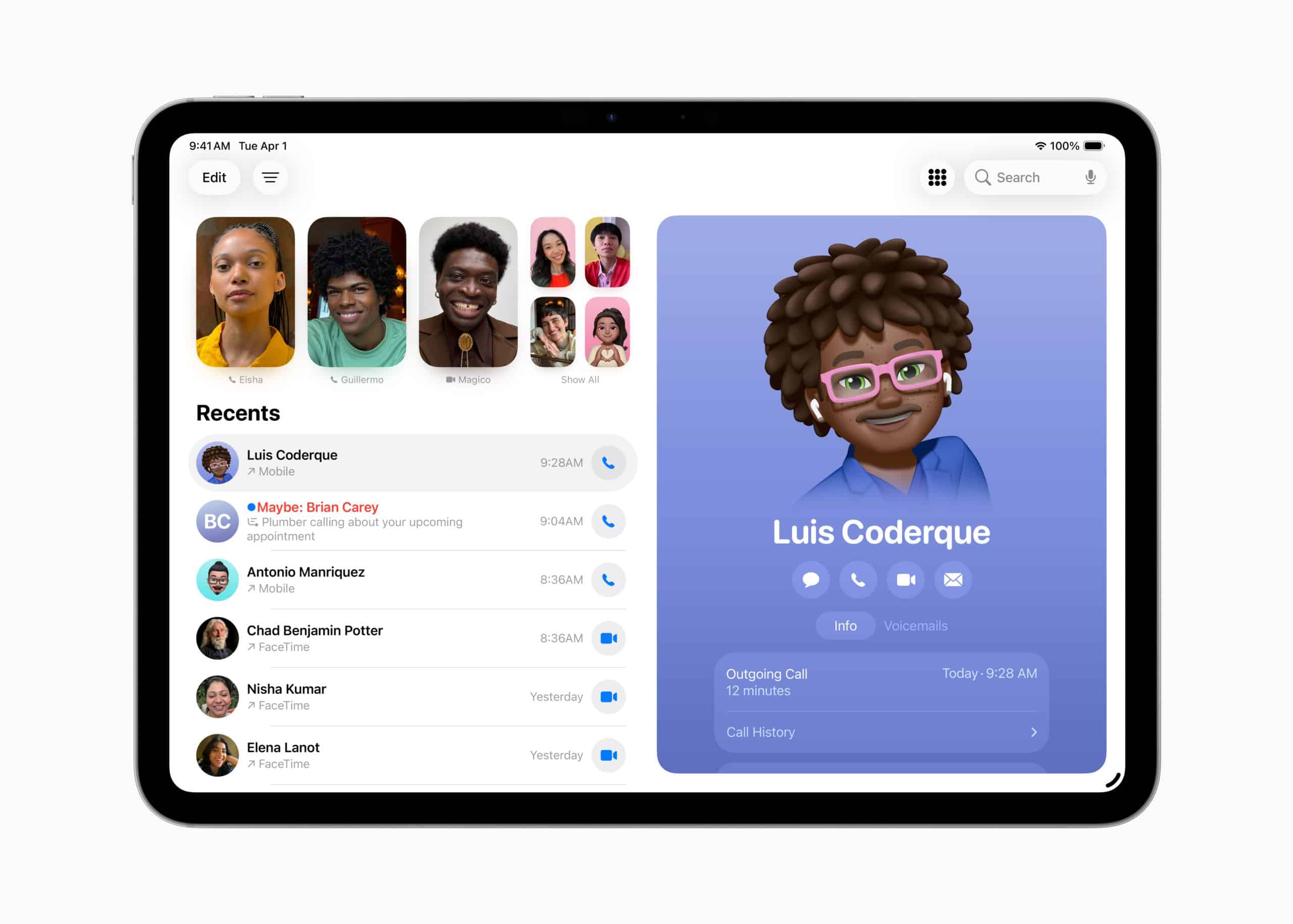
Video calls, messaging, and email feel different on iPad. The screen size creates a more natural sense of presence during calls, while typing longer messages is more comfortable than on a phone.
At the same time, the iPad doesn’t pull you into constant notifications the way an iPhone can. Many people end up using it as a calmer communication space — something they check intentionally rather than reactively.
Hidden Gems That Change How You Use It
Some of the iPad’s most useful features aren’t obvious at first. Stage Manager, Split View, drag and drop between apps, and system-wide handwriting recognition quietly expand what the device can do without turning it into a laptop replacement.
Another overlooked strength is how well the iPad works in short sessions. You can use it for five minutes or fifty without needing a formal setup. That flexibility is exactly what makes it different from both phones and computers.
Using the iPad Throughout Your Day
The iPad shines when it moves with you. Morning reading, midday browsing, afternoon notes, evening streaming — all on the same device, adjusted subtly by context rather than mode switches.
Instead of asking what task the iPad is best at, it helps to ask how it fits between tasks. That’s where it excels: in transitions, pauses, and moments where a phone feels too small and a computer feels too heavy.
What the iPad Is Really For
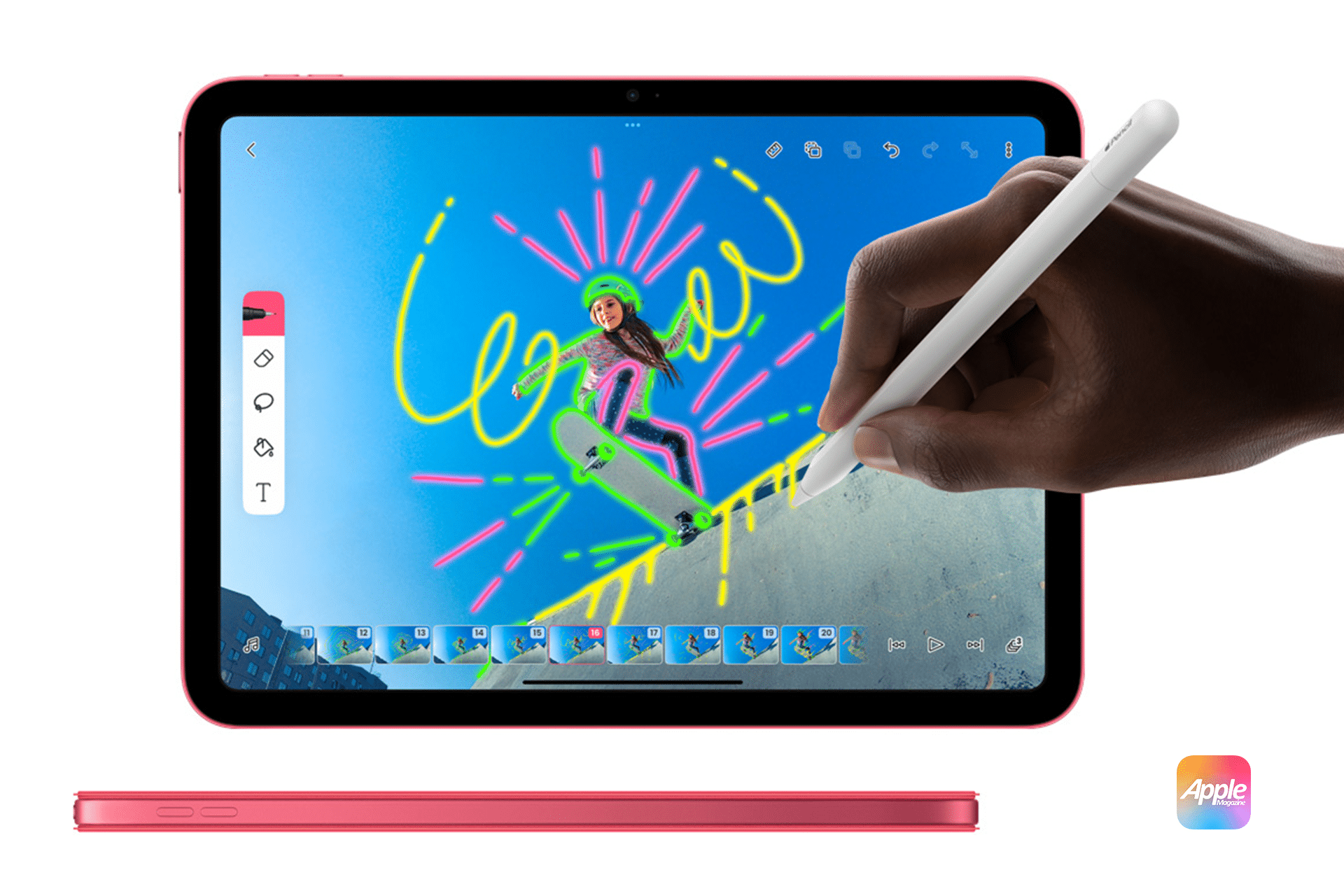
The iPad isn’t meant to replace everything. It’s meant to make certain parts of your day easier, calmer, and more enjoyable. Apple designed it as a personal surface — something you interact with directly, without barriers.
Once you stop comparing it to other devices and start using it for what it does best, the iPad becomes one of the most flexible tools Apple makes.

