

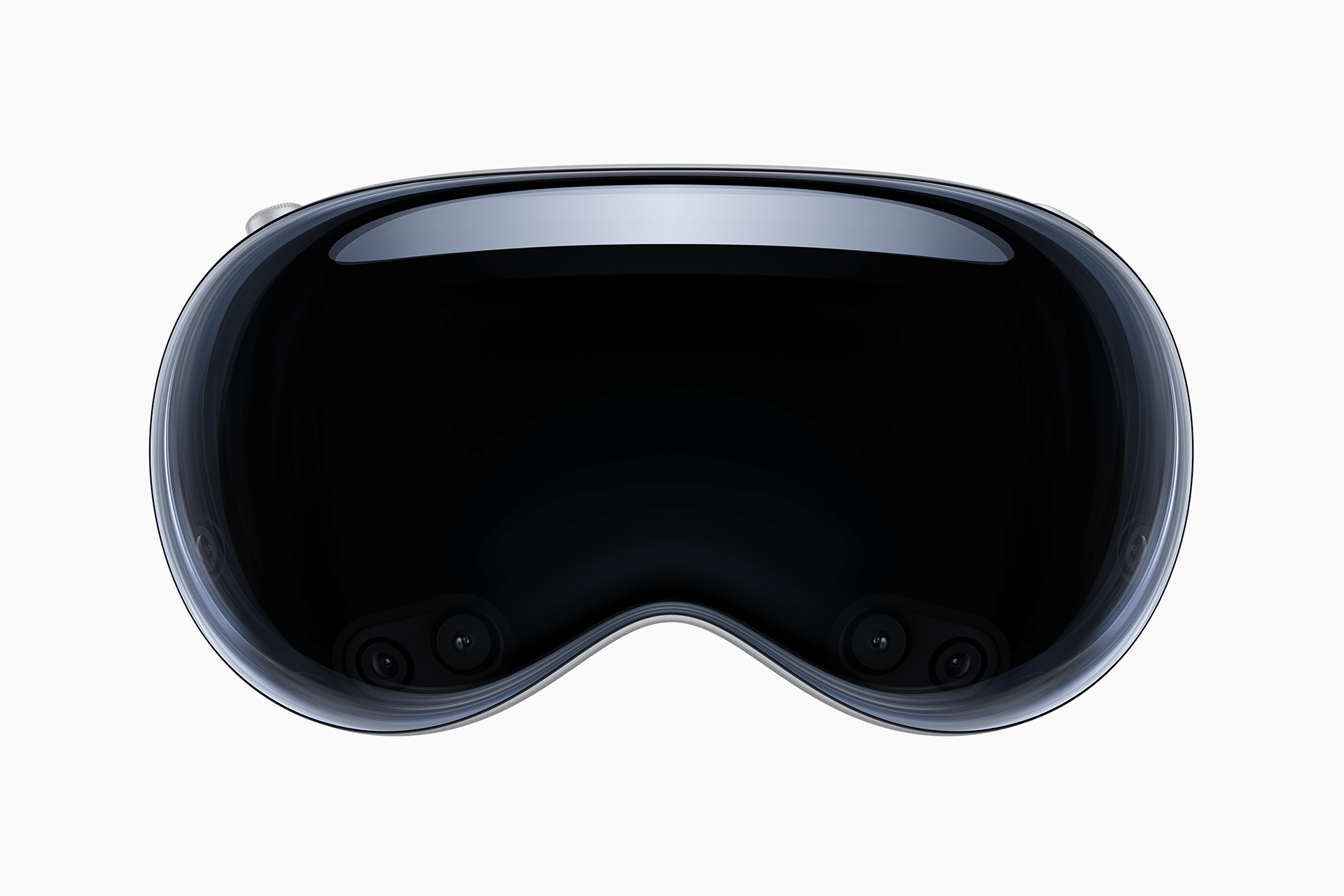
Apple Vision Pro shared spatial experiences are turning the headset from a personal screen into a social space. The device is often described as immersive because it can surround the user with apps, films, photos, and environments, but its more important long-term shift may be how it lets multiple people enter the same digital moment together.
That idea has become more practical through SharePlay, spatial Personas, FaceTime, shared windows, and nearby shared sessions. With supported apps, people can watch a movie together, look at spatial photos, collaborate in Freeform, review a presentation, play games, or interact with digital objects while seeing the same content in the same place. Instead of everyone staring at separate screens, the experience can feel anchored in a shared room.
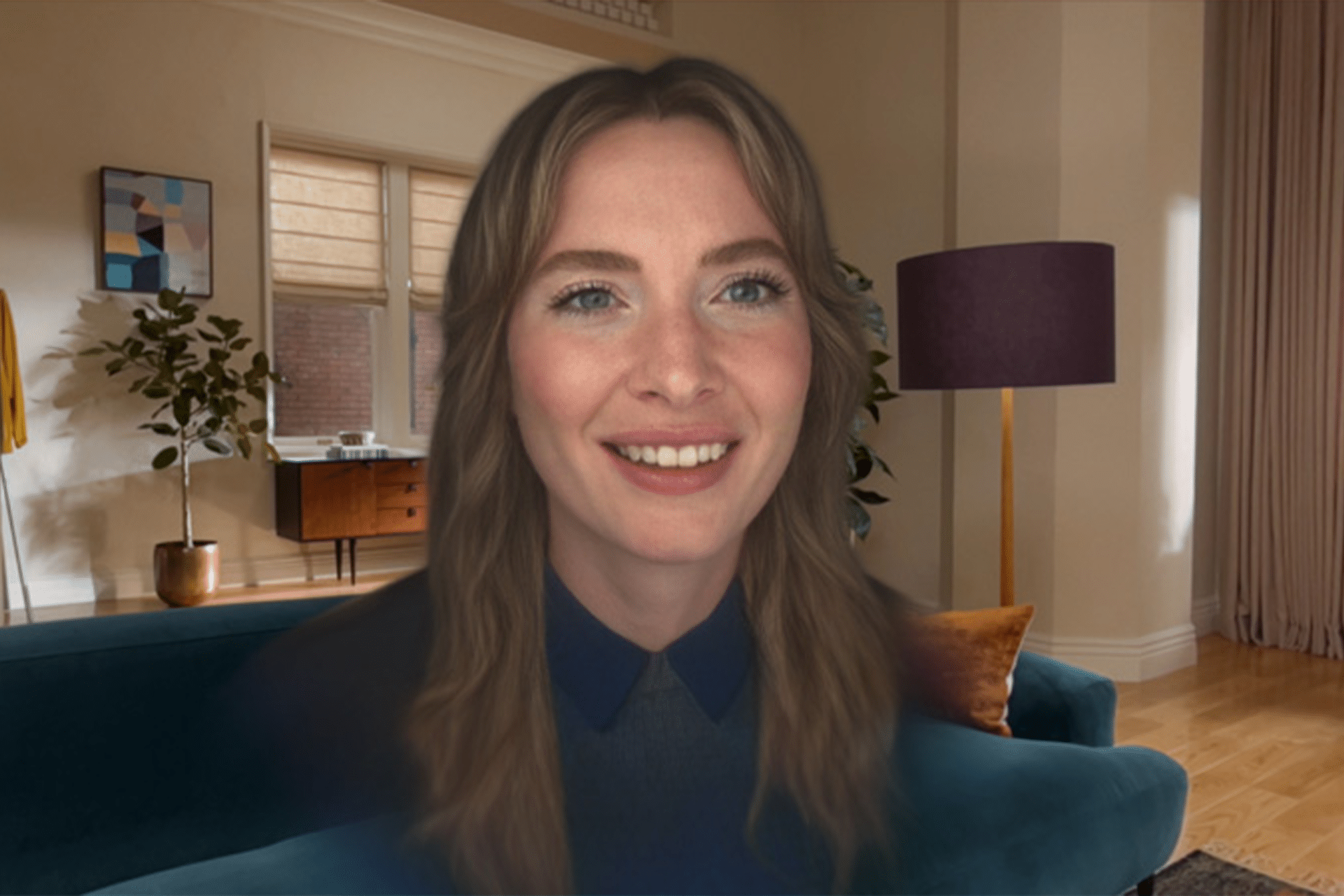
Apple’s approach is different from traditional video calls. A normal call puts people into tiles. Apple Vision Pro can place spatial Personas inside the user’s environment, with Spatial Audio helping voices feel positioned naturally. In supported experiences, participants can move around, make eye contact, watch media in sync, and interact with shared content. The result is closer to being in the same room than a standard FaceTime grid.
The feature still depends on hardware, app support, network quality, and software version. Not every app becomes a shared spatial experience automatically. Developers have to support SharePlay, spatial Personas, shared context, or nearby sessions. But the direction is clear: Apple is building Vision Pro as a platform where media, productivity, games, memories, and collaboration can become spatial and social at the same time.

Shared Spatial Experiences Start Nearby
Vision Pro shared spatial experiences are especially powerful when two or more Vision Pro users are in the same room. With nearby sharing, users can start a shared session from Home View, connect with people nearby, and open an app or experience that appears in the same place for everyone in the room. Apple says participants using Vision Pro can move or resize shared windows and objects, lock an app in place, snap content to shared surroundings, and recenter the view so everyone can see it.
That is a major difference from mirroring a screen. A shared app can become a common object in the room. A group can look at the same Freeform board, review the same 3D model, watch the same video, or arrange windows in a shared space. The content is no longer only on one person’s headset. It belongs to the session.
To allow nearby people:
Settings > General > Window Sharing > Allow Nearby People
To start a nearby shared session:
Home View > People > Nearby > Choose Person or Group > Connect
This setup has obvious uses at home and at work. Families can review spatial memories. Designers can look at a model. Students can collaborate on a board. Friends can share a game or video. Teams can review product concepts, presentations, or creative drafts in a room where the content has scale and position.
Nearby sharing also matters because Vision Pro is expensive and still early. The most convincing demos often happen when someone else can see the same thing. Shared spatial experiences make the device less isolated and more communal, which is essential if spatial computing is going to move beyond solo entertainment.
Spatial Personas Make Remote Sharing Feel Closer
Apple Vision Pro shared spatial experiences are not limited to people in the same room. FaceTime and SharePlay allow remote participants to join shared moments, especially when they also use Vision Pro. Spatial Personas can appear in the user’s space, making conversation feel more physical than a normal call.
During a FaceTime call, Vision Pro users can use spatial Personas to move around, make eye contact, and interact while sharing media or apps. Apple says users can watch movies together, play games, collaborate, and more. With Spatial Audio, voices sound as if they are coming from each person’s position, which helps conversations feel less flat.
To use SharePlay in FaceTime:
FaceTime > Start Call > Open Supported App > Start SharePlay
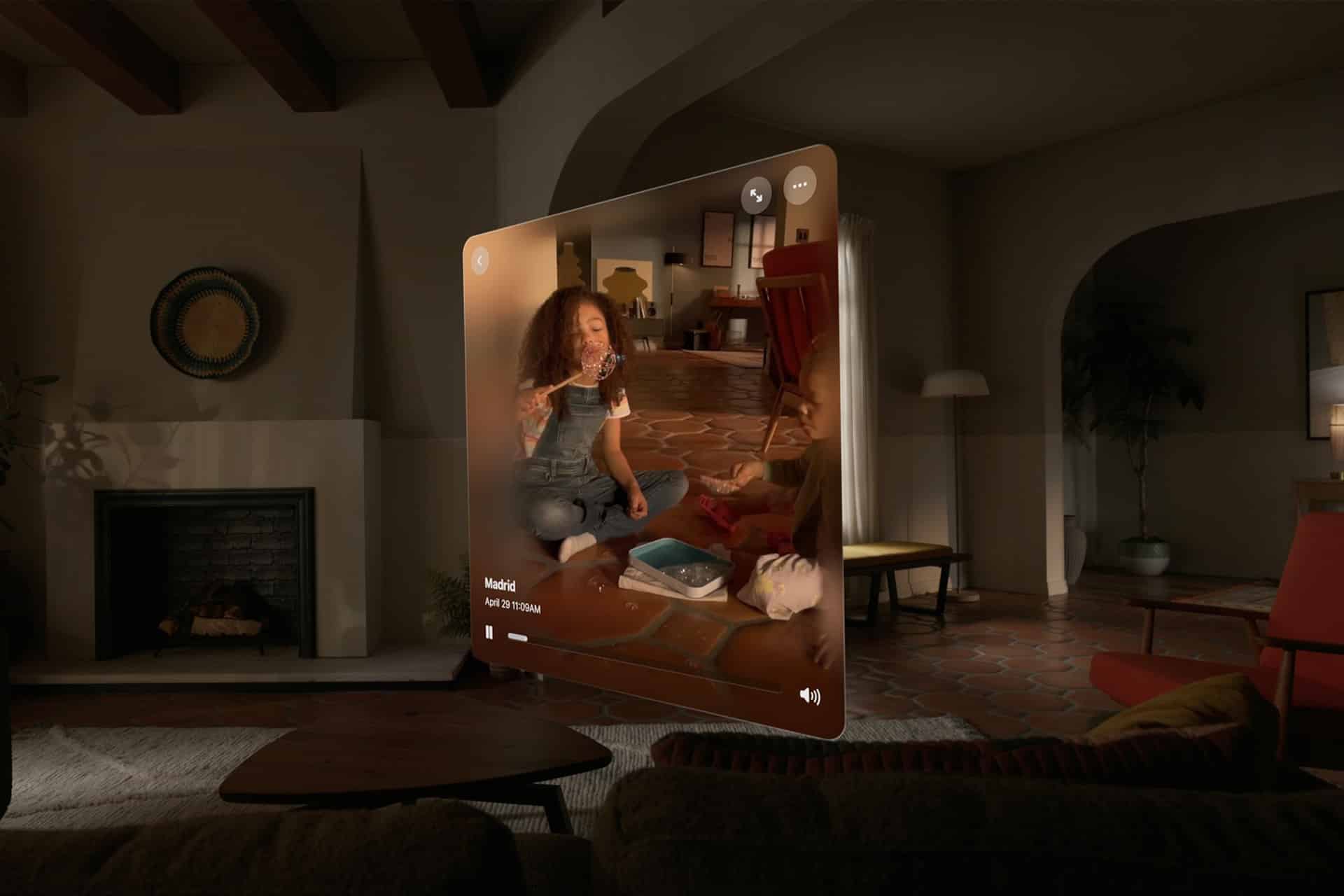
This is useful for long-distance movie nights, family calls, remote collaboration, and shared photo viewing. A person can look at spatial photos and videos with someone far away, making memories feel less like files and more like places they can revisit together.
The emotional side is important. Vision Pro’s spatial photos and videos already create a strong sense of presence for the person wearing the device. Sharing those memories through SharePlay can turn that private feeling into a shared one. A birthday, trip, family gathering, or performance can be revisited with another person inside the same call, even if they are not physically present.
That is where Vision Pro becomes more than an entertainment headset. It becomes a way to share presence across distance. The technology still has limits, but the experience points toward a different kind of communication than ordinary video calls.
Developers Can Build the Next Shared Spaces
Vision Pro spatial experiences depend heavily on developers. Apple has been giving developers tools to build SharePlay-enabled media apps, games, collaborative spaces, immersive scenes, and nearby shared experiences. Apple’s developer sessions describe how apps can support spatial Personas, synchronized playback, shared virtual objects, and collaboration across local and remote participants.
This developer layer matters because Apple cannot define every shared spatial use by itself. Some of the best experiences may come from education, design, architecture, training, gaming, healthcare, entertainment, retail, and enterprise apps. A classroom can become a shared 3D lab. A design review can happen around a virtual object. A film app can place viewers inside the same theater-like space. A game can give each participant a role inside the same room.
visionOS 26 expanded the direction further by supporting shared spatial experiences for multiple Vision Pro users in the same room. Apple’s developer materials also describe enterprise APIs that can support locally shared experiences using an organization’s own infrastructure, which is important for businesses that need privacy, reliability, and control.
For enterprise, shared spatial experiences may be one of Vision Pro’s strongest arguments. A company can use the headset for training, product visualization, remote assistance, presentations, and collaborative review. Unlike a flat screen, spatial content can show scale, depth, position, and movement in ways that are easier to understand.
The challenge is making these experiences feel natural. Shared spatial apps need clear controls, stable positioning, understandable permissions, and thoughtful onboarding. If users do not know who can move an object, who controls playback, or where content appears, the experience can become confusing. Apple’s frameworks give developers a starting point, but the best apps will be the ones that make sharing feel obvious.
The Social Side of Spatial Computing
Vision Pro shared spatial experiences address one of the biggest early criticisms of headsets: isolation. A device worn on the face can feel private by design. Apple has tried to soften that through EyeSight, Persona, SharePlay, Guest User improvements, and shared experiences. The long-term success of spatial computing may depend on whether the device can feel social rather than solitary.
Shared viewing is the easiest version to understand. Watching a film, concert, trailer, or sports documentary together gives Vision Pro a familiar social pattern. Collaboration is the next step. Shared boards, documents, models, presentations, and apps can turn the headset into a workspace. Games and immersive experiences add another layer, where people are not only watching together but acting together.
The most personal use may be memories. Spatial photos and videos are uniquely suited to Vision Pro because they preserve depth and presence. Sharing those moments with another person can make the headset feel less like a screen and more like a memory room. That may become one of the device’s most emotional use cases.
Apple’s challenge is scale. Shared spatial experiences are strongest when more people have access to Vision Pro or future, more affordable Vision devices. Today, the feature is impressive but limited by hardware adoption. As the platform grows, shared experiences could become one of the reasons people want the device in the first place.
The direction is already visible. Vision Pro is not only a place to open giant windows. It is becoming a place where people can meet around content. That shift matters because the future of spatial computing will not be judged only by how immersive one person’s screen can become. It will be judged by whether people can share that space naturally with others.
Shared spatial experiences show the platform moving toward that future. The headset can still be deeply personal, but it no longer has to be lonely. It can become a room for a movie, a table for collaboration, a gallery for memories, or a shared canvas where digital objects finally feel like they belong to more than one person at once.