There’s a quiet moment most adult children recognize. It happens the first time you wonder if your parents are still as steady on their feet as they used to be. Or when they mention feeling dizzy, then brush it off. You don’t want to overreact. You also don’t want to ignore it.
That’s where Caregiver Apple Watch setups have changed the conversation in many families. Not in a dramatic way. Not with alarms going off every hour. But in small, steady ways that make distance feel shorter.
An Apple Watch on a parent’s wrist can track heart rate patterns, detect falls, and send alerts in emergencies. Paired with Health sharing on iPhone, it allows an adult child to see trends — not every detail of a day, but enough to notice changes that matter.
Setting Up Health Sharing
Health sharing connects two iPhones securely through the Health app. It allows selected data categories to be visible to a trusted contact.
To enable sharing:
Settings > [Your Name] > iCloud > Health > Turn On Sync
Then open:
Health App > Sharing Tab > Share with Someone
You can choose what to share — heart rate, walking steadiness, activity levels, sleep, medications, and more. Notifications can be triggered for significant events, like high or low heart rate alerts.
This setup keeps control with the parent. They decide what is shared. The adult child receives summaries and alerts only for the categories selected.
Fall Detection And Emergency Alerts
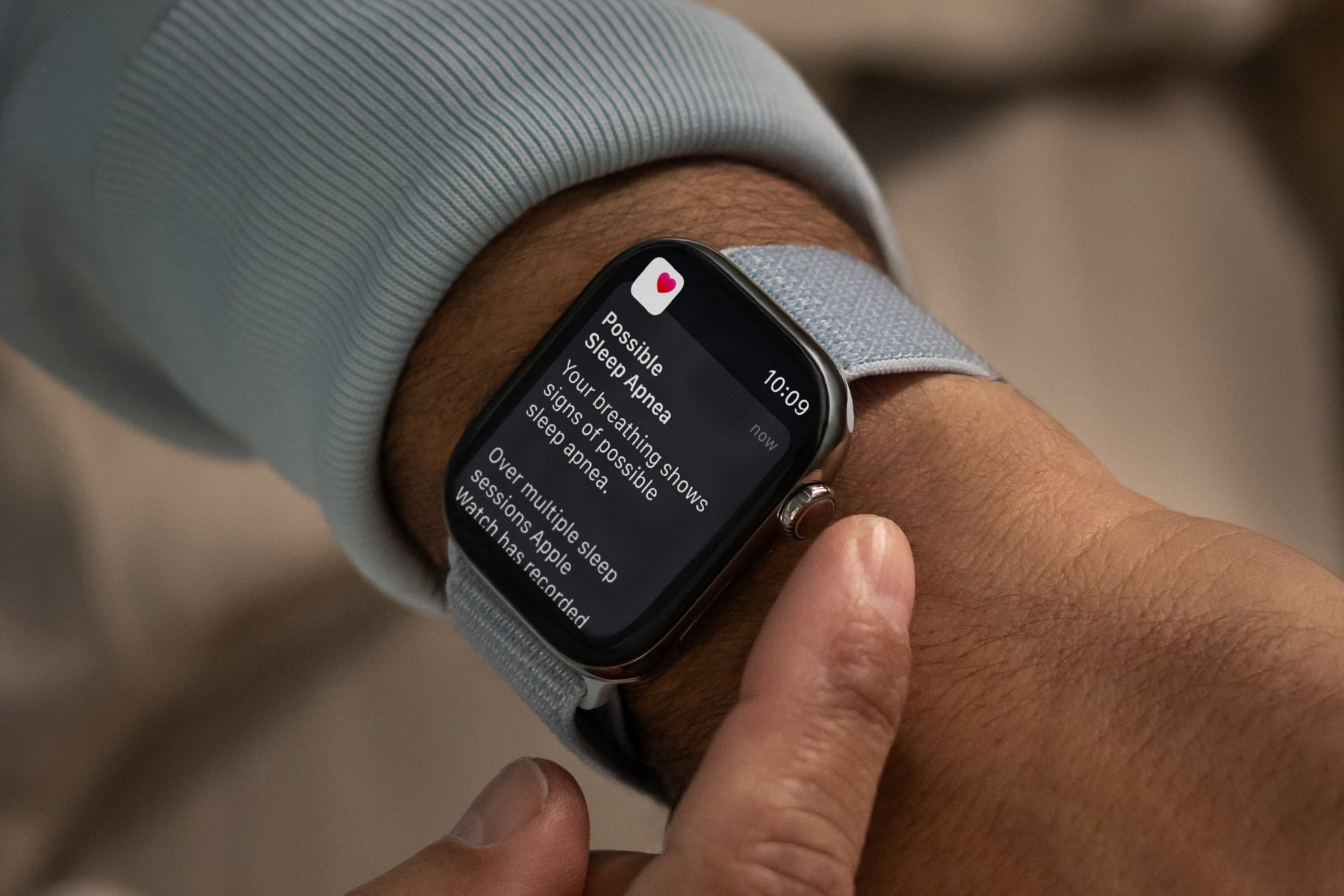
Apple Watch includes fall detection, which can automatically call emergency services if a hard fall is detected and the wearer doesn’t respond.
To check settings:
Watch App on iPhone > Emergency SOS > Fall Detection
When activated, the watch will tap the wearer’s wrist, sound an alert, and display an emergency screen. If there’s no response after a minute, it can contact emergency services and notify emergency contacts.
For caregivers, this isn’t about expecting the worst. It’s about knowing that if something happens while you’re miles away, the watch won’t stay silent.
Monitoring Trends Instead Of Moments
The most valuable part of a Caregiver Apple Watch setup isn’t a single alert. It’s trend awareness.
Maybe you notice your parent’s daily steps have dropped steadily over two weeks. Maybe walking steadiness shows subtle decline. Maybe sleep duration shifts noticeably.
None of these are emergencies on their own. But together, they tell a story.
In the Health app:
Health App > Browse > Mobility > Walking Steadiness
Or:
Health App > Browse > Heart > Heart Rate
Trends appear automatically when enough data is collected. It turns instinct into information. Instead of asking, “Are you feeling okay?” you can ask, “I noticed your activity dropped this week. Everything all right?”
Medication Reminders That Actually Help
Medication tracking on Apple Watch is simple but powerful. Reminders appear directly on the wrist, which matters for parents who may not always carry their phone.
To set it up:
Health App > Browse > Medications > Add a Medication
You can schedule times, log doses, and receive reminders. If medication data is shared, you can see adherence patterns — not to monitor behavior, but to catch issues early.
Missed doses over several days can explain changes in mood or energy. It allows conversations based on facts instead of assumptions.
Independence First
The balance between support and autonomy is delicate. No parent wants to feel monitored. And no adult child wants to feel helpless.
Apple Watch works best when framed as a partnership tool. A way to extend independence safely. A way to provide backup without constant calls.
Emergency SOS, irregular rhythm notifications, and high or low heart rate alerts run quietly in the background. They’re there if needed. Otherwise, life goes on normally.
In many families, this setup becomes part of the routine. A quick glance at shared trends once a week. A text if something looks unusual. A sense of reassurance on both sides.
Technology doesn’t replace presence. But Caregiver Apple Watch tools narrow the space between households. They turn concern into action, and uncertainty into clarity — without taking away the dignity that matters most.