



Apple’s UI animations originate from a design philosophy that treats motion as a functional tool rather than decoration. Internal teams view animation as a way to connect moments in an interface, communicating hierarchy, continuity and feedback. This perspective shapes decisions around how windows expand, how icons respond to touch and how transitions convey direction. The development process involves designers, prototypers and engineers who refine motion until it becomes predictable, stable and nearly invisible during daily use.
The process begins with conceptual motion studies. Designers sketch or prototype small transitions that reflect how an object should behave when it appears, moves or disappears on screen. These early studies examine weight, elasticity and timing, often using simplified environments before applying them to full interfaces. Apple’s design labs rely on physics-based models to ensure motion behaves consistently across screen sizes and device types.
Timing Models and Motion Principles
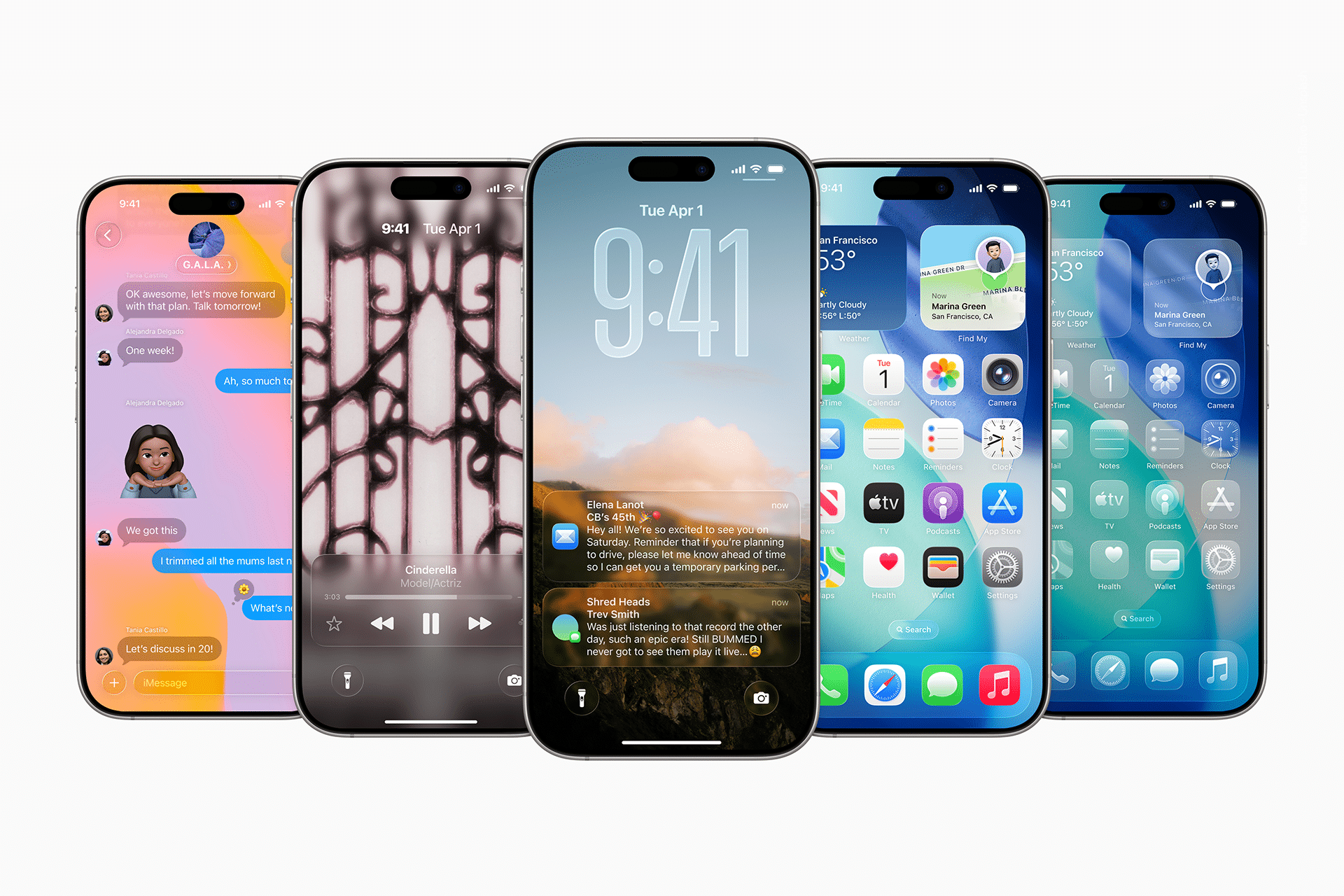
One of Apple’s foundational principles is that motion should reinforce the relationship between actions and results. Animations are built around easing curves that control acceleration and deceleration, creating a sensation of natural movement. Internal prototypes test how long each animation should last, with most transitions designed to resolve quickly enough to feel responsive without appearing abrupt.
Spring-based physics are a recurring feature in iOS animations. Elements often settle into place using subtle rebounds that suggest physical behavior without distracting from content. This applies to opening apps, scrolling through lists or interacting with system controls. Apple’s designers adjust tension, damping and velocity until movement feels predictable.
Environmental and Contextual Motion
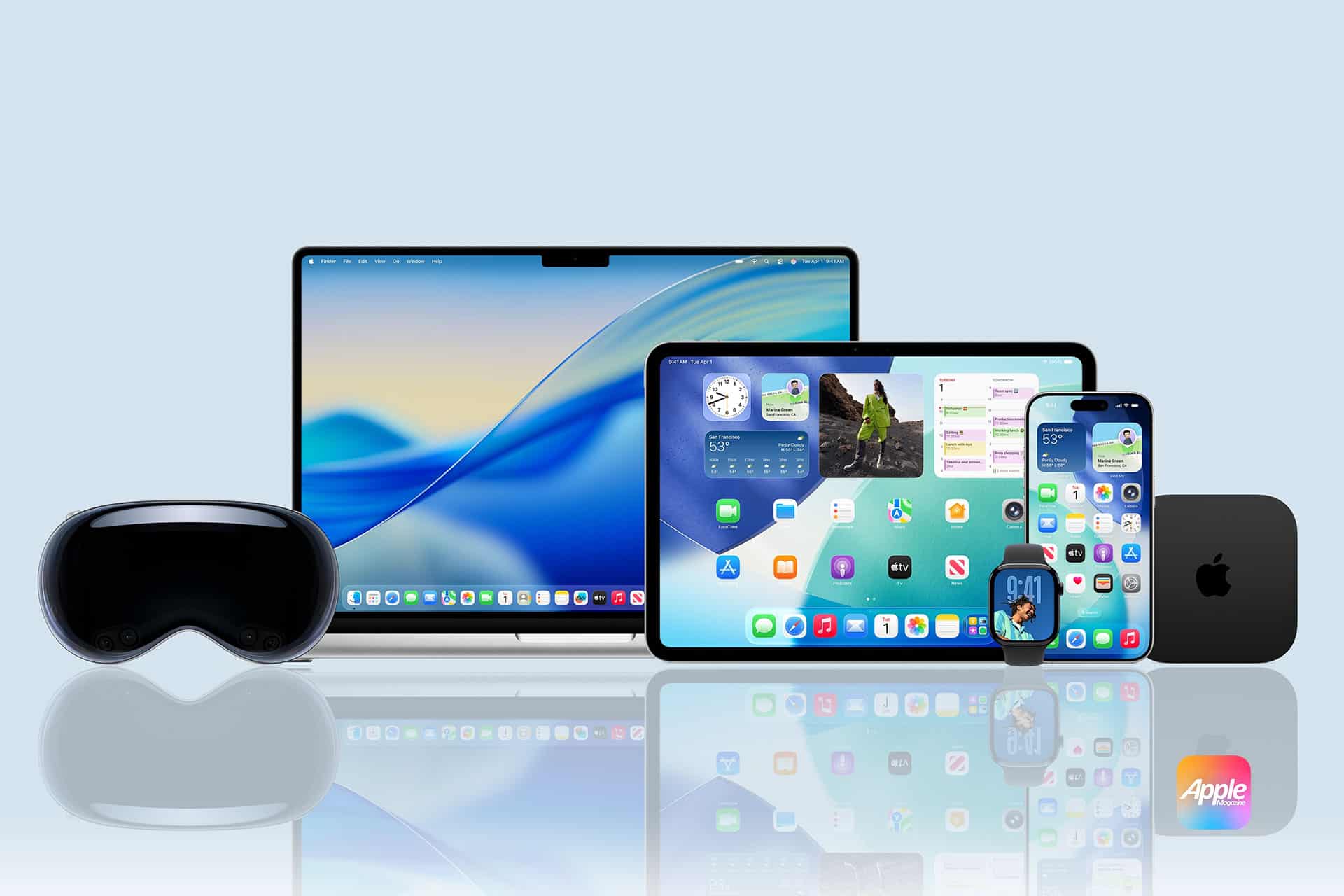
With visionOS, Apple expanded animation testing to include spatial behavior. Windows anchor to physical positions with motion models that consider distance, orientation and subtle shifts in the user’s viewpoint. Designers test how windows scale or reposition themselves as users move, ensuring that spatial elements remain stable without introducing jarring transitions.
On macOS, motion is calibrated for larger screens and pointer-based interactions. Animations support multitasking by maintaining window continuity across multiple layers, ensuring that resizing, switching and minimizing windows preserve spatial understanding.
Prototyping and Iteration
Apple relies heavily on internal prototyping tools that allow designers to build motion sequences before they reach engineering teams. These tools support rapid adjustments to timing curves, opacity, scale and layering. Teams evaluate whether transitions reveal hierarchy, simplify navigation or create clarity during complex interactions.
Engineers refine these prototypes by optimizing them for performance. Animations are tuned to maintain consistent frame rates, even on older hardware, while preserving the intended behavior. Close collaboration between designers and engineers ensures that subtle movements—such as the bounce of a scroll view or the shift of a notification banner—remain consistent across devices.
Performance and Hardware Integration
Apple’s animation system is closely tied to hardware capabilities. Designers consider display refresh rates, touch latency and sensor input when finalizing motion. High-refresh displays influence how quickly animations should resolve, while haptic engines complement motion with tactile feedback.
Thermal and power constraints also factor into animation calibration. Engineers test sequences under sustained load to ensure motion remains smooth without increasing battery consumption. These evaluations help determine how often heavy animations appear and which transitions should rely on lightweight effects.

User Perception Testing
Before animations ship in final software builds, Apple conducts perception evaluations that gather feedback on comfort, clarity and usability. These tests observe how people interpret transitions, whether motion aids navigation and how fatigue changes during extended use. Findings can lead to adjustments in speed, distance or direction, shaping final refinements.
The animation design process evolves with each software generation, reflecting new hardware capabilities and shifting user expectations. Apple’s consistent focus on physics-based motion, predictable timing and context-driven behavior shapes the identity of its operating systems, influencing how users interpret information and move through interfaces.

