
MacBook Neo changes the conversation around entry-level Macs. For years, the MacBook Air represented the starting point. Now, Neo lowers the price barrier even further while delivering surprising processing power for its class.
For someone entering Apple’s ecosystem for the first time, the obvious question becomes simple: if Neo is this capable, why pay more for Air or Pro?
Understanding what you gain — and what you miss — helps answer that.
Where MacBook Neo Impresses
MacBook Neo delivers strong everyday performance. Web browsing, office apps, streaming, coding for beginners, light video editing, and multitasking feel smooth. The chip inside handles demanding tasks better than most people expect from an entry-tier machine.
For students, writers, remote workers, and general productivity users, Neo does not feel limited in normal conditions. It runs macOS fully. It supports the same apps. It integrates seamlessly with iPhone, iPad, and Apple services.
Battery life remains strong. Silent operation makes it comfortable for classrooms and libraries. The design feels modern and consistent with the rest of the lineup.
For first-time buyers, Neo offers something important: access. You enter the Mac ecosystem without stretching the budget too far.
So what justifies Air or Pro?


Display Quality and Brightness
One of the first noticeable differences is the display.
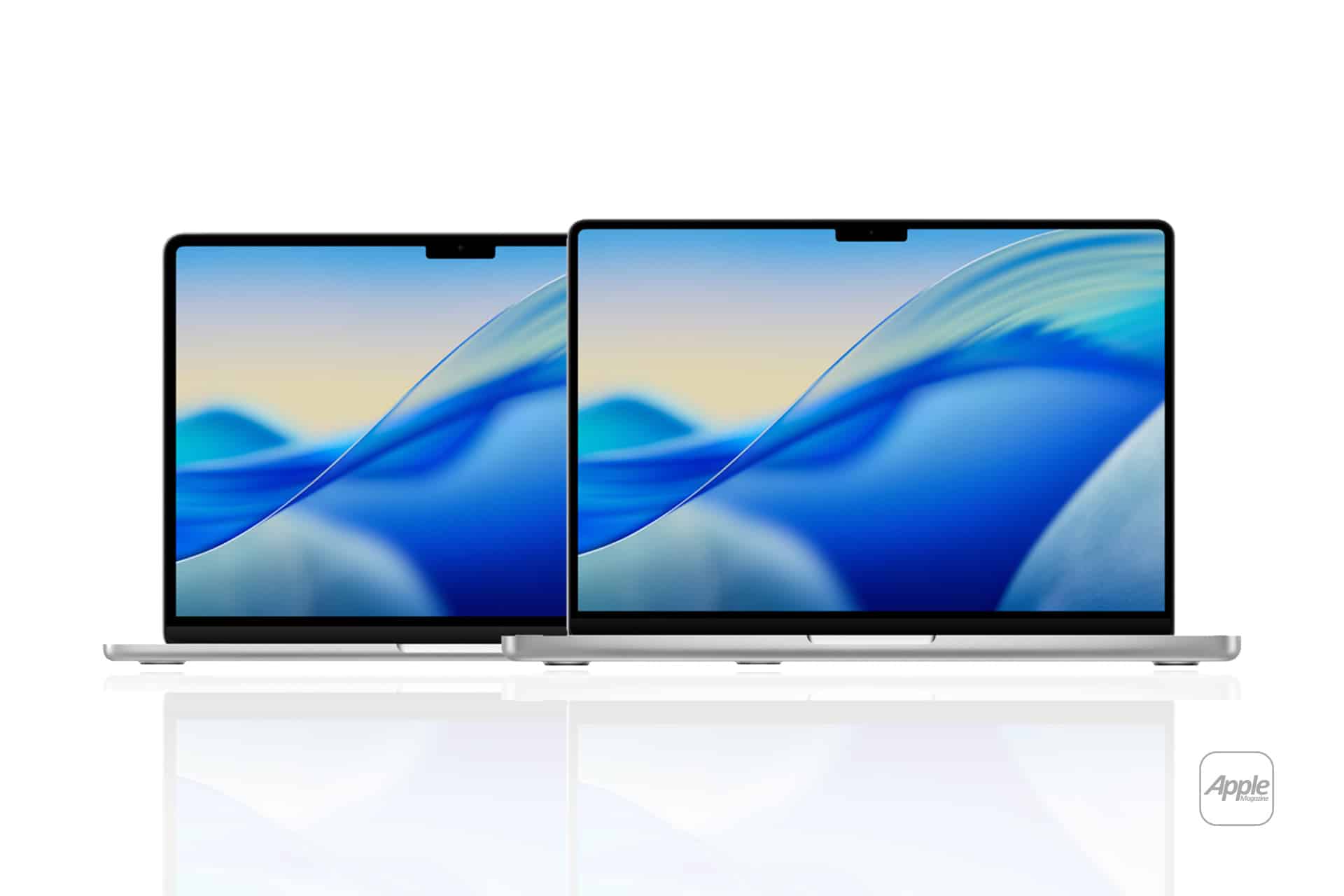
MacBook Air typically offers higher brightness levels and sometimes more advanced display features. MacBook Pro goes further, with higher sustained brightness, improved contrast, and advanced technologies suited for color-sensitive work.
If you work in photo editing, video grading, or design where color accuracy and brightness consistency matter, Pro-level displays justify the upgrade. Neo handles daily content well, but it is not positioned as a reference-grade panel.
Sustained Performance and Cooling
MacBook Neo is optimized for efficiency and balanced performance. It handles heavy tasks in bursts effectively.
MacBook Pro, however, is built for sustained workloads. Its advanced cooling system allows the processor to maintain higher performance over long rendering sessions, large code compilations, or extended video exports.
If your workflow includes continuous high-intensity processing — 3D rendering, professional video editing, large-scale data analysis — Pro becomes more relevant.
MacBook Air sits between Neo and Pro. It often delivers stronger sustained performance than Neo but without the full cooling and configuration ceiling of Pro.
Ports and Connectivity
MacBook Neo typically offers essential connectivity.
MacBook Air may include additional flexibility depending on configuration.
MacBook Pro often expands port selection significantly, adding more Thunderbolt ports, HDMI, SD card slots, and expanded external display support.
If your work involves multiple monitors, external storage arrays, professional audio interfaces, or cameras, port selection alone may justify stepping up.

Memory and Storage Ceilings
Entry-level machines usually offer lower maximum RAM and storage configurations.
MacBook Neo covers everyday needs comfortably. For document-heavy workflows and moderate multitasking, it performs well.
MacBook Air expands memory options, allowing more breathing room for creative apps and heavier browser usage.
MacBook Pro pushes further, supporting higher RAM ceilings for professional-grade tasks that rely on large datasets, multiple simultaneous applications, or intensive software environments.
If you anticipate growing into heavier workloads, higher configuration limits can future-proof your purchase.
Audio and Camera Enhancements
MacBook Pro often includes improved speaker systems and more advanced camera features. For users who attend frequent video meetings, create content, or rely on audio clarity, these upgrades become noticeable over time.
Neo handles calls and everyday audio well. Pro enhances that experience.
Weight, Portability, and Simplicity
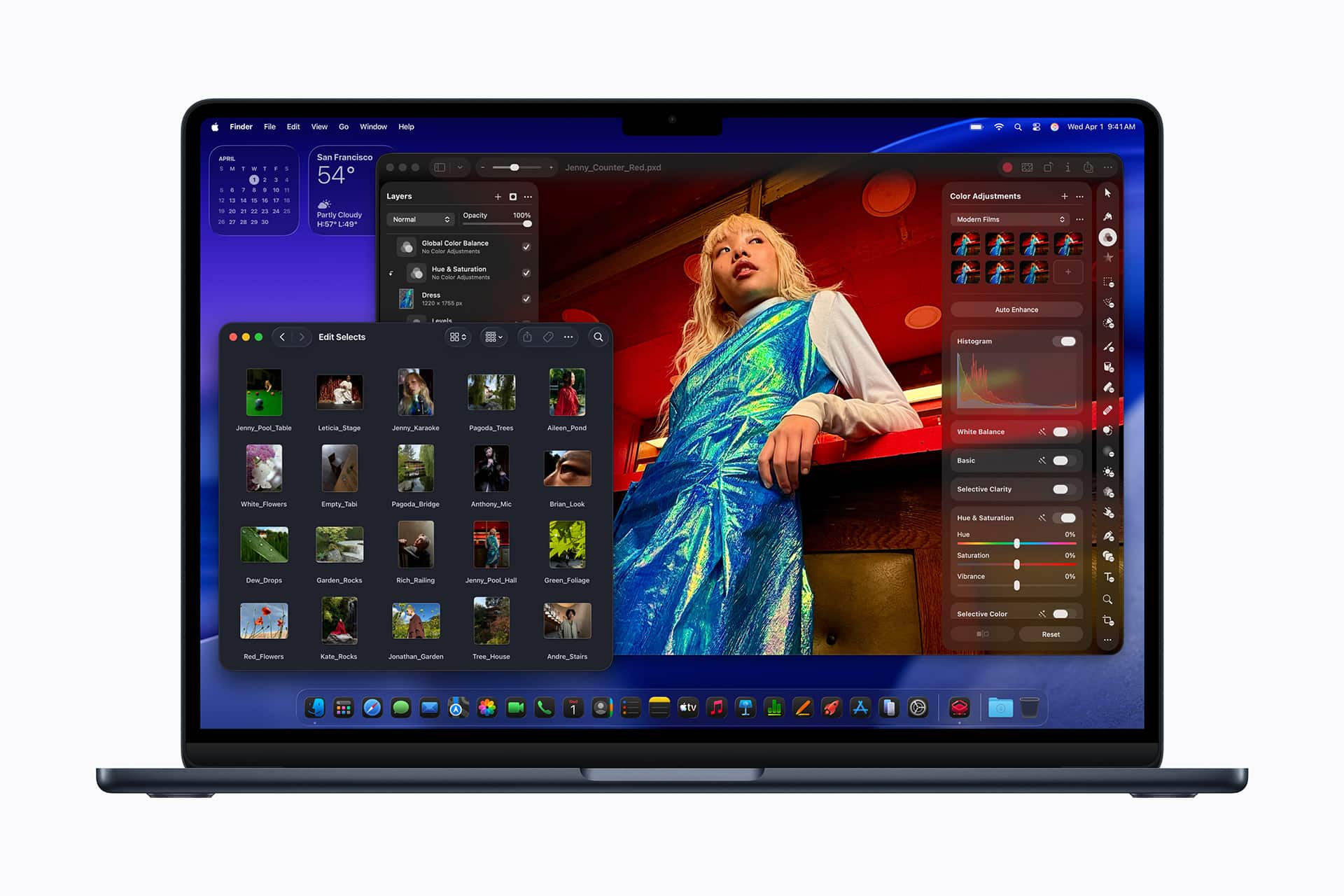
MacBook Neo remains lightweight and approachable. For first-time buyers, simplicity matters. The lower price, strong performance, and macOS integration make it an easy entry.
MacBook Air maintains portability while offering a step up in capability.
MacBook Pro adds weight but delivers higher ceilings for professional tasks.
|
Feature |
MacBook Neo |
MacBook Air (M5) |
MacBook Pro (M5) |
|---|---|---|---|
|
Starting Price (USD) |
$599 (256GB) / $699 (512GB) with Touch ID |
$1,099 (13-inch, 512GB) |
$1,699 (14-inch, 1TB) |
|
Chip |
Apple A18 Pro (6-core CPU, 5-core GPU) |
Apple M5 (10-core CPU, 10-core GPU) |
Apple M5 (10-core CPU, 10-core GPU) |
|
Unified Memory (RAM) |
8GB (fixed) |
Starts at 16GB (higher configs available) |
Starts at 16GB (higher configs available) |
|
Storage (Base) |
256GB SSD |
512GB SSD |
1TB SSD |
|
Display |
13-inch Liquid Retina 2408 x 1506, ~500 nits |
13-inch or 15-inch Liquid Retina |
14-inch or 16-inch Liquid Retina XDR (higher brightness & HDR) |
|
Ports |
2x USB-C (USB 3 & USB 2), headphone jack |
2+ Thunderbolt / USB-C, MagSafe |
3+ Thunderbolt / USB-C, HDMI, SDXC, MagSafe |
|
Wireless |
Wi-Fi 6E, Bluetooth 6 |
Wi-Fi 7, Bluetooth 6 |
Wi-Fi 7, Bluetooth 6 |
|
Camera |
1080p FaceTime HD |
1080p or better depending on model |
1080p or better depending on model |
|
Battery |
Up to ~16 hours |
Up to ~18 hours |
Up to ~24 hours * |
Notes based on official specs:
-
MacBook Neo uses an A-series chip (A18 Pro) derived from iPhone silicon, giving surprisingly capable performance for everyday tasks and light creative work but with fixed memory and limited ports.
-
MacBook Air with the M5 chip offers stronger sustained performance, doubled base storage compared with past models, and additional features like Wi-Fi 7 and MagSafe.
-
MacBook Pro with M5 and higher-tier chips prioritizes pro workflows, expanded storage and memory ceilings, more high-speed ports, and a brighter XDR display ideal for demanding creative tasks.
Choosing Based on Future Plans
If you are entering Apple’s ecosystem for the first time and primarily need a reliable machine for study, remote work, browsing, productivity apps, and occasional creative projects, MacBook Neo is sufficient.
If you expect your workload to expand into more demanding creative or technical areas within the next few years, MacBook Air may provide additional headroom.
If your workflow already includes professional video editing, large-scale development projects, advanced design work, or heavy multitasking across demanding software, MacBook Pro becomes the logical choice.
“Neo vs Air vs Pro is less about which machine is “better” and more about how far your usage will stretch.”
MacBook Neo opens the door. MacBook Air widens the room. MacBook Pro builds the studio. The right choice depends on whether you need entry, expansion, or full professional capacity from day one.